Choose The Right Cloud Model For Your Business: IaaS, PaaS, and SaaS

Today’s world is flooded with anything-as-a-service. Restaurants provide meals-as-a-service, travel agencies offer holidays-as-a-service, landlords – accommodation-as-a-service, taxis are cars-as-a-service… The list is endless.

Can you imagine how much more difficult our lives would be if we couldn’t buy services? For sure, it’s great to have your own car, not to mention an apartment, or have enough time to cook food all by yourself. But – there’s always a ‘but’, you know, – it either requires huge money infusions or tons of effort; oftentimes both.

The same goes with IT. Back in the day, companies had to spend a fortune on the hardware and hire specialists to maintain it – the privilege that small and medium-size businesses couldn’t afford. 

However, thanks to cloud computing, the way of delivering IT services has changed. We no longer need to own cumbersome equipment to enjoy the benefits of cutting-edge technologies.

The main cloud computing models are:

  • IaaS – Infrastructure as a service. It offers pay-as-you-go infrastructure for a company.
  • PaaS – Platform as a service. It’s ‘something in between’ IaaS and SaaS. Apart from infrastructure, it also provides a variety of tools to create applications.
  • SaaS – Software as a service. It’s ready-to-go software available over the internet.

Each is unique in its own way. So the choice of ‘the right one’ should be made in accordance with business requirements and the number of tasks you are ready to delegate to the provider.

Infrastructure-as-a-Service
IaaS

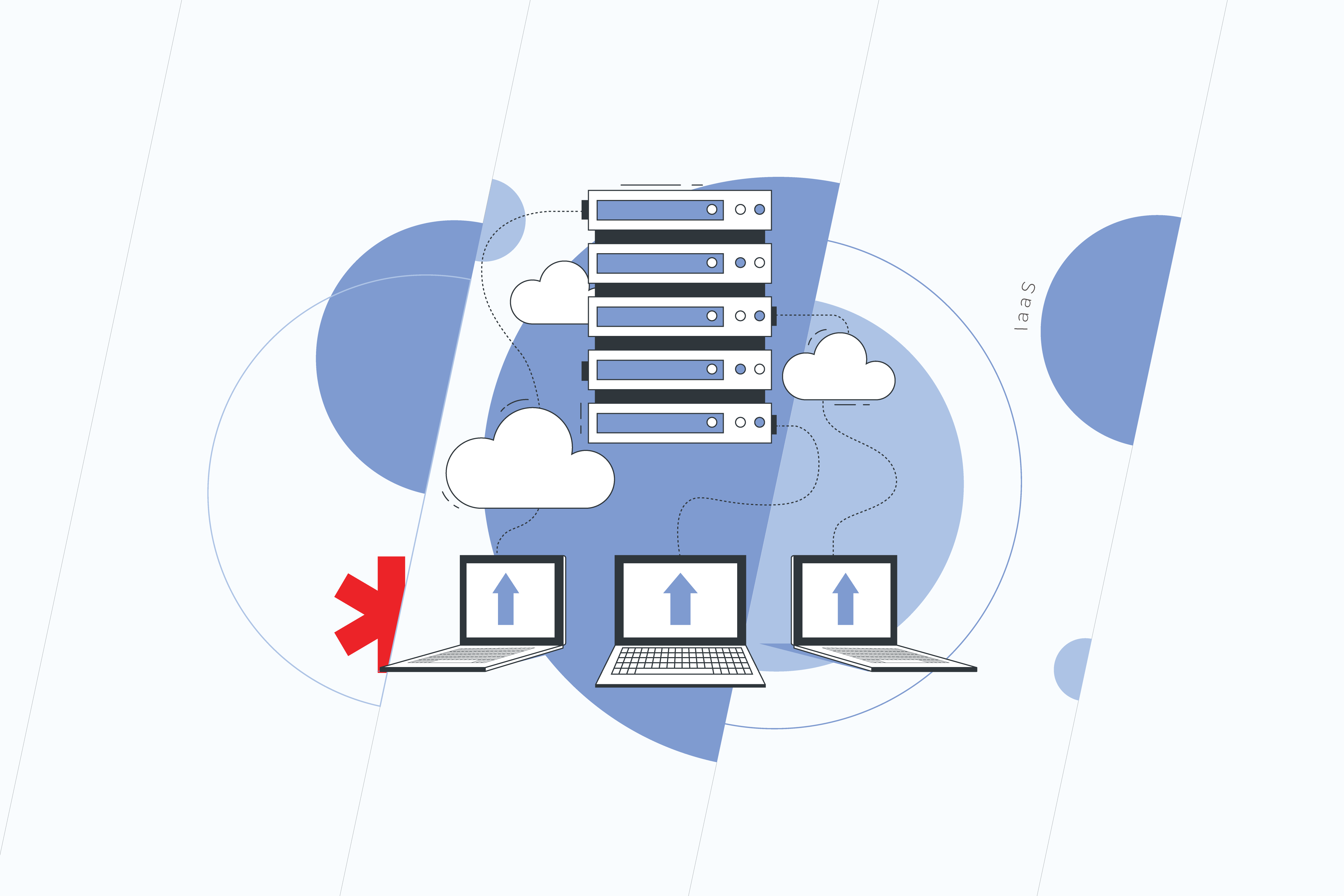
IaaS is the most basic form of cloud computing. With IaaS, a client rents a variety of infrastructure components such as data centers, servers, cloud storage, and networking solutions from a provider.  Basically, IaaS offers access versus ownership. An IaaS provider takes responsibility for the infrastructure, whereas users are in charge of installing, managing, maintaining, and supporting their apps and operating systems.

Advantages of IaaS

  • Cost reduction: having switched to an IaaS platform, you no longer need to worry about purchasing and maintaining hardware as well as about the uptime for your equipment. 
  • Easy scalability: IaaS provides users with the ability to scale the computing resources up and down according to their needs. It becomes a total must if your business is a part of an industry prone to fluctuations in sales and profits. You can expand data storage capacity or increase the number of software applications and pay for them only during the period of utilizing them with no residual cost.
  • The possibility to focus on other tasks: as employees don’t have to take care of upgrading and maintaining infrastructure, they free up time for other tasks that are important for your business growth. Moreover, using IaaS obviates the need to hire and train new IT staff, since it’s the provider, who handles the workload within the infrastructure.   

Who Needs IaaS 

IaaS can be a great choice for:

  • startups and small business with no money to invest in their own infrastructure;
  • companies that grow too fast to define their needs once and for all;
  • companies that want to apply a pay-by-use model not to waste budget on the resources they don’t use.

Platform-as-a-Service
PaaS

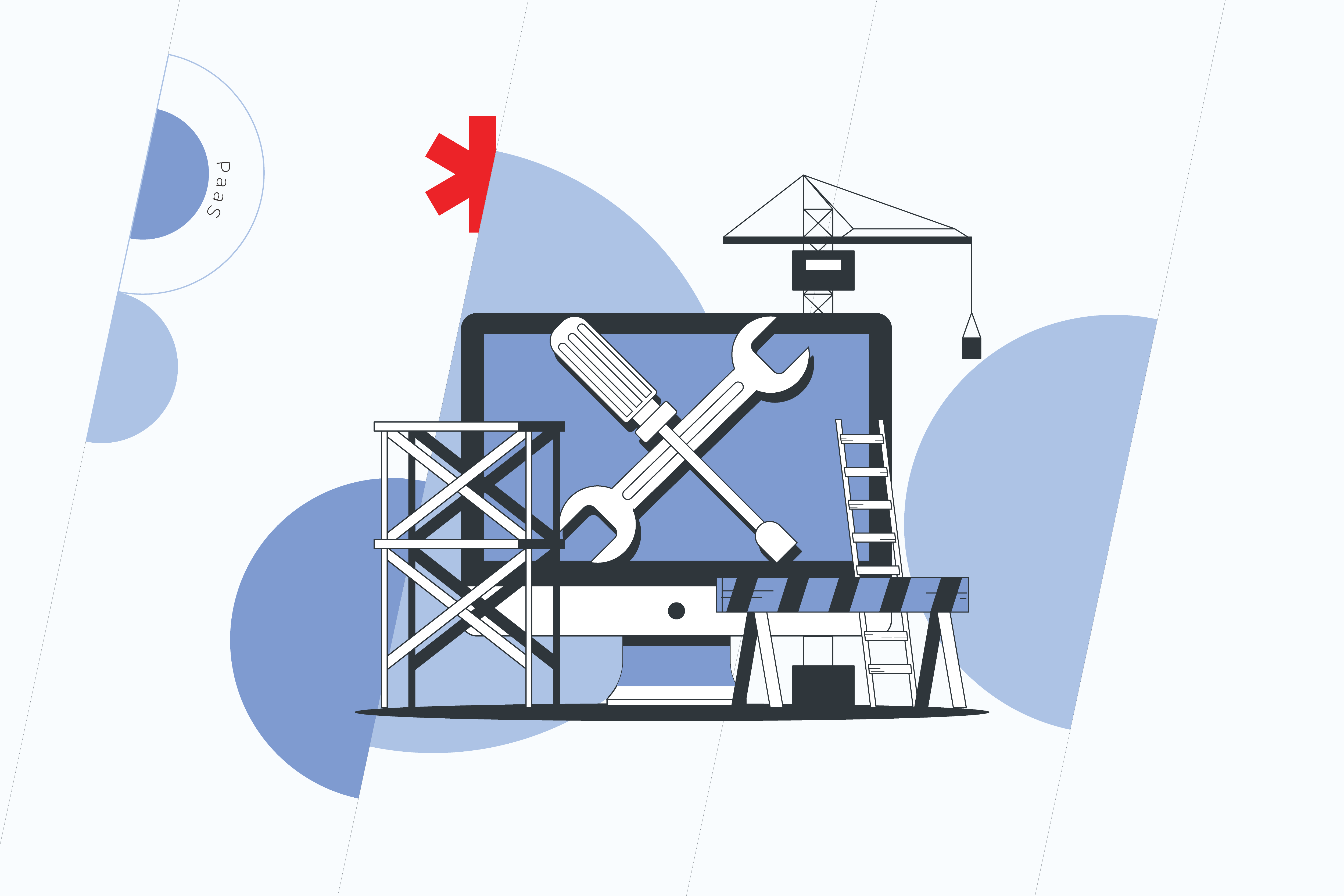
PaaS provides a platform with built-in software components and tools for application development.  PaaS vendors manage infrastructure and data centers, operating systems updates, security patches, and backups. Meanwhile, clients handle application development without worries about the above-mentioned aspects. In a nutshell, PaaS accelerates software development and significantly simplifies this process. 

Advantages of PaaS 

  • Faster development: speed often plays a crucial part in the development process. However, it usually turns out to be a stumbling block for the team, if they have to manage in-house resources. While using PaaS you don’t need to spend time setting up and maintaining the core stack, which means there are more chances for the project to be completed on time without putting its quality at risk.
  • Cross-platform capabilities: unlike many on-site development platforms, PaaS solutions aren’t tied to one type of device. Apps and programs designed with PaaS can be accessed on computers, tablets, and mobile phones.
  • Access to the best tools: in most cases, on-premises platforms are confined to in-house technologies. It means one day the staff will have to deal with outdated tools, which requires considerable effort and doesn’t guarantee the right results. Thanks to the cloud-based nature of the PaaS model, developers get access to the best tools that are updated and upgraded automatically. 
  • Remote work: being available on any device anywhere at any time, PaaS solutions make it easy for employees to log in, work on applications and collaborate with co-workers whenever they want and wherever they are.

Who Needs PaaS

You should opt for PaaS, if:

  • your project requires multiple developers and vendors;
  • you want to create customized applications;
  • it’s essential for you to improve time-to-market.

Software-as-a-Service
SaaS

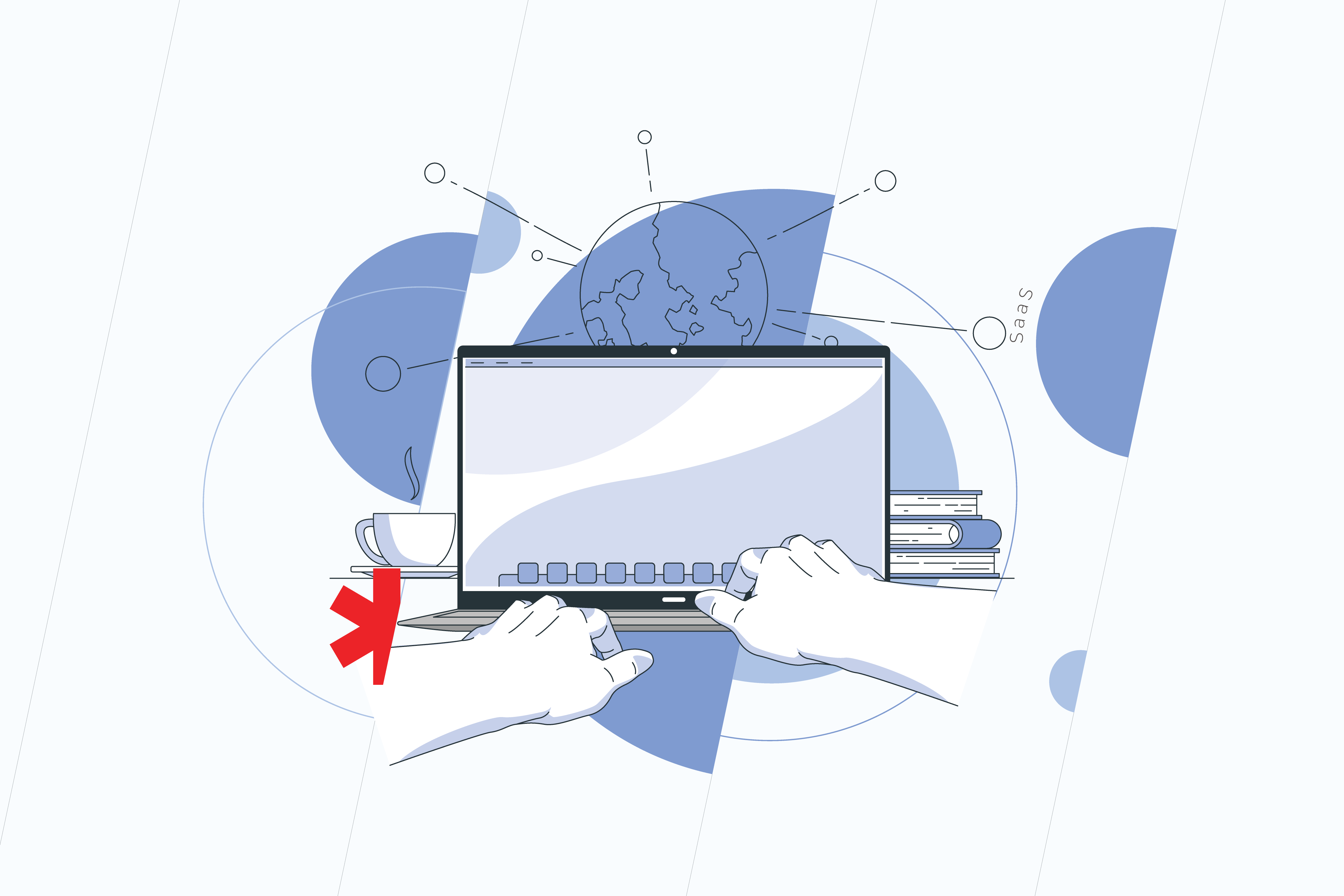
Remember the times when we used to buy and install programs on our personal computers? SaaS has nothing to do with that. It’s a model of cloud computing that delivers the software to users without them having to install it on local servers or computers. The only thing you need to get access to the applications is a reliable Internet connection. The rest is taken over by the vendor. SaaS vendors manage all the tedious tasks from sustaining hardware solidity to providing proper app functioning, while users simply open the apps in a browser.

Advantages of SaaS

  • Cost-effectiveness: since SaaS is subscription-based and already located on the Internet, it eliminates costs, concerning the purchase, installation, and maintenance of the software. Besides, you don’t need to pay for the full version of the app right away and can try flexible payment methods such as pay-as-you-go models.
  • Ready to use: you can start leveraging SaaS solutions in no time. There’s no need to go through a long deployment process, as the software is installed and configured on the cloud. Thanks to out-of-the-box functionality, all it takes to get started is to sign up for the service.
  • High level of scalability: SaaS is a perfect fit to accommodate fast-changing business needs. For example, if you’re suddenly swamped with new users, SaaS allows you to rapidly increase your capacity.  Not only can SaaS scale up and back down, but it also provides integrations with other SaaS offerings. 
  • Recovery option: while migrating to the cloud, there’s a risk of data breaches or unexpected disasters. So data protection becomes an issue of primary concern. In SaaS models, data is stored in multiple locations, so if data is lost, vendors have an option of backup and recovery to prevent data loss.
  • Accessibility: with SaaS, you can run applications 24/7 from anywhere. All you need is an internet connection, and with the wide availability of broadband and high-speed networks, this is a feasible condition.
  • Data storage: data is routinely stored in the cloud, which saves the memory of your computers. 
  • Analytics: SaaS provides access to data reporting and business intelligence tools. It encourages fast and efficient decision-making, which is, for sure, beneficial practically for all the areas of your business such as finance, marketing, project management, HR, etc.

Who Needs SaaS

SaaS solutions are beneficial to:

  • startups, small, and mid-sized business that want to have access to the software they wouldn’t be able to afford because of costly licensing fees;
  • companies that need to free up cash flow to support other areas of business;
  • short-term projects that imply collaboration.

Whichever cloud model you go for, it will take some time to adapt to it. Migrating your existing technology to a new cloud platform and training your team to manage it might turn out more demanding than you initially pictured. So, it can’t hurt to have an experienced managed service provider by your side, who is able to evaluate and prioritize your business needs, deliver a wide range of cloud services, and make sure your new environment operates properly.

Contact us to know how to leverage the flexibility of cloud models to full extent.
Top Most Progressive Programming Technologies In 2021

A couple of centuries after Charles Babbage’s research of machines that could calculate, we arrived at the Cloud Computing and Distributed Platforms realm. As of 2021, we live out of the technology state, which offers an option for us to interact through an extra domain, such as virtual reality in addition to mobile phones. The latter has unfolded in its own set of development trends, making the mobile-first design approach a software industry standard. Tech progress ultimately breaks down to the evolution of programming languages. The latest technology trends create our observed future, and it’s making its way to the digital-first state of business. 

With cognitive automation emerging and other new technology trends rising in 2021, the event horizon of computation is predicted to turn to the spatial web and quantum computing allowing for brain-computer interfaces. The latter technology is making huge progress in areas such as mental health, providing great relief for patients with trauma and disability. The end goal of technological progress, as reported by the World Economic Forum and Deloitte, is to create a more simple, abundant, and intelligent world around us. 

Looking closer at what the IT Industry has prepared for us in 2021, we notice the evolution of programming languages, frameworks, and other related platforms and tools. Through a software development survey practice conducted each year, we observe a global spike of interest in emerging technologies in 2021.

As put in the Stack Overflow 2020 Developer Survey, a few pre-pandemic trends were introduced, like seeking the diversity of coders and the correlations of the demographics to the tools they had been using. At the same time, one topic has been excluded from the recent web developer survey, and it’s the popular development environments discussion. Additionally, the DevOps theme remains on the watch list in 2021, as new frameworks are being introduced to it. 

Let’s look into the most progressive programming trends from the recent software development survey and see how our company’s own practice supports these numbers.

Top Programming Languages

There’s no secret,  applied both for front-end and back-end, the event-driven JavaScript has been the global leader of programming languages for almost 10 years now. HTML/CSS, SQL, Python, and Java sit at the top five respectively. Object-oriented Python is used extensively in machine learning. It has been holding up to the title of the most wanted languages and is one of the most paid technologies in the world. While Rust, designed for performance and safety, has become the most loved programming language in 2020 and further on. 

TypeScript, Kotlin and Go are wanted and loved equally by the global community of developers. But what’s been truly highlighted in programming language popularity in 2021 is Go. It heads the top of the most paying technologies both in the United States and globally. How did Go become one of the top most wanted and top most loved technologies? 

The Rise of Go

technology trends

Go is a compiled open-source programming language. It was designed at Google in 2007 to address the efficiency of C and motivated to improve some of the qualities of C++. On the one hand, the main purpose of the language was relative simplicity attained by omitting some of the features that are common in similar languages. On the other hand, it was built with preserving their most useful characteristics in mind, such as static-typing and run-time efficiency, readability and usability, high-performance networking, and multi-processing. Go has quickly become the standard language for the new generation of coders at Google. 

Go shares the syntax and environment patterns close to high-level programming languages, which at runtime execute many common behaviors that static programming languages perform during compilation. However, Go has a somewhat distinctive approach to particular problems. First, it has built-in concurrency primitives: light-weight processes (goroutines), channels, and the select statement. Second, it has type embedding instead of non-virtual inheritance. Finally, Go contains a toolchain that produces statically linked native binaries without external dependencies.

According to Go Developer Survey 2020, Golang usage is expanding in the workplace and enterprise with 76% of respondents using Go at work, and 66% saying Go is critical to their company’s success. Furthermore, Go continues to be heavily used for APIs, CLIs, Web, DevOps, and Data Processing. One of the cases where Go has shown excellent results is bidding in real time.

Top Web Frameworks

Web frameworks are designed to support the development of web applications, including web services, web resources, and web APIs. According to Stack Overflow data, JQuery, React.js, Angular, ASP.NET, and Express have been among the leaders of developers’ choices. While ASP.NET Core was the most loved one, React.js and Vue.js had become the most wanted technology. Django also has made it to the top five of the most wanted. Gatsby, Spring, and Flask were reported among the most loved frameworks.

React Goes On

While JavaScript continues to take over the development environments, React.js is its open-source library that was designed specifically for building web and mobile user interfaces. React includes native application front-end libraries written in JS called React Native for iOS, Android, and other mobile platforms. A React JS developer can leverage its native application front-end libraries, such as React Native for iOS, Android, and other mobile platforms. Initially introduced through Facebook, it is actively supported by the community of developers and companies.  The major changes to React go through the Future of React repository on the Facebook forum. The community discusses potential features, experimental APIs, and JavaScript syntax improvements. Introduced in 2017, React Fiber is a set of internal rendering algorithms breaking down the animation into segments that can be spread out over multiple frames providing smoother on-screen rendering.

Svelte

technology trends

Svelte represents one of the game-changers in technology. It’s a front-end compiler, or a component framework, written in TypeScript, which continues the trend of simplified code at build time. It’s a bit different from regular frameworks because it has made rethinking reactivity its objective. Svelte generates imperative code to manipulate the Document Object Model and reduces the size of transferred files. It gives better client startup and run-time performance. Svelte has its own compiler for converting app code into client-side JavaScript, HTML/CSS at build time.

Top Platforms

Linux and Windows have been heading the platforms for a long time. Platforms such as Android, macOS, and Raspberry Pi have also been popular in software development. However, with the popularity of Cloud and DevOps, Docker, AWS, and Kubernetes have strengthened their presence amongst the most sought-after technologies and became the top five.

Kubernetes

DevOps is heading the latest technology trends. And Kubernetes is one of the most popular technologies in DevOps. First, it was created to solve container orchestration problems on a high scale or in mission-critical applications. Nowadays, it has shown an incredibly fast adoption in the Enterprise sector. 

Released in June 2014, Kubernetes’s ecosystem included a package manager, dozens of open-source distributions, great monitoring tools, K8s products from all major Сloud providers, and ArgoCD. Kubernetes provides complex features such as container discovery, CNI, pod tainting, stateful sets, auto scalers, and others in a declarative way. All of the above has made it the tool of choice for most distributed applications. 

Kubernetes is known for reducing the complexity of production applications. Of course, it’s on the pricey side. While being a great option for mature applications, smaller projects will be made more expensive to launch with K8s. Since you need to scale the platform enough for it to show its strengths. Alternative options in such case could be ECS, DigitalOcean Apps Platform, or simply CI/CD onto an EC2.  

— Kirill Danshin, DevOps Architect at *instinctools.

In conclusion, great trends are often continued. Others, like personal preferences in coders’ tools, are put behind. When it comes to the choice of languages, frameworks, and platforms used by developers, these are normally discussed within the teams. Focusing on the project specifications, a proper programming language, or the combination of languages is chosen to better fit the product characteristics.

Speaking of the rebuild tasks, software developers look at the current user requirements compared to those of the past. Choosing from the latest technology trends, we want to make sure they adhere to the end goals of the product.

Read about trends in software development on our blog and choose your favorite technologies. Get your project scoped by filling out the request below. If you are not sure where to start with your product, let us know how we can help. For more updates, follow us on social media.

Why Your Mid-Sized Business Needs A Scalable IT Solution

Making up one-third of private-sector GDP and jobs, mid-sized businesses are the stable driving force behind the world economy. With revenues of between $10M to $1B, they are the companies that consumers depend upon, the ones that fuel the job market; overall, a success story. However, many find it difficult to take that next logical step in business development—to create a sustainable business scaling strategy and become a large-sized enterprise.

The situation with mid-sized business post-COVID

Alongside the regular challenges of scaling a business, mid-sized companies are also experiencing the impact of the coronavirus crisis. One year on, many find themselves still adjusting to the new normal of the working environment. Before seeking to scale, it’s vital to take into account the unique circumstances posed and how they can be utilized to create the conditions for scalability.  

Changes to employment

During the lockdowns, many companies moved to working remotely. For some businesses, this incurred extra cost to furnish home offices. For others, it meant savings on physical buildings and leases. Some companies were able to take advantage of the scheme to sustain the business during troubling times, such as the US Paycheck Protection Program (PPP) or UK’s furlough scheme. Unfortunately, mid-sized businesses often found themselves unfairly fit, falling through the cracks of government support, which further impacted business and caused layoffs. For those who weathered the storm, it meant adjusting to a new way of working, including culture changes for online cooperation. 

Evolved expectations and values

COVID reminded the business community to expect the unexpected. While risk in business is usually well calculated and measured put in place beforehand to offset any unforeseen difficulties, the appearance of coronavirus and its impact meant companies had to think fast on how to protect their employees and revenue. For many, this was a stark reminder of the inherent risk in business and forced companies to adjust their expectations and values to focus on remote solutions, scalability, and sustainability.  

Showing resilience

business scaling strategy

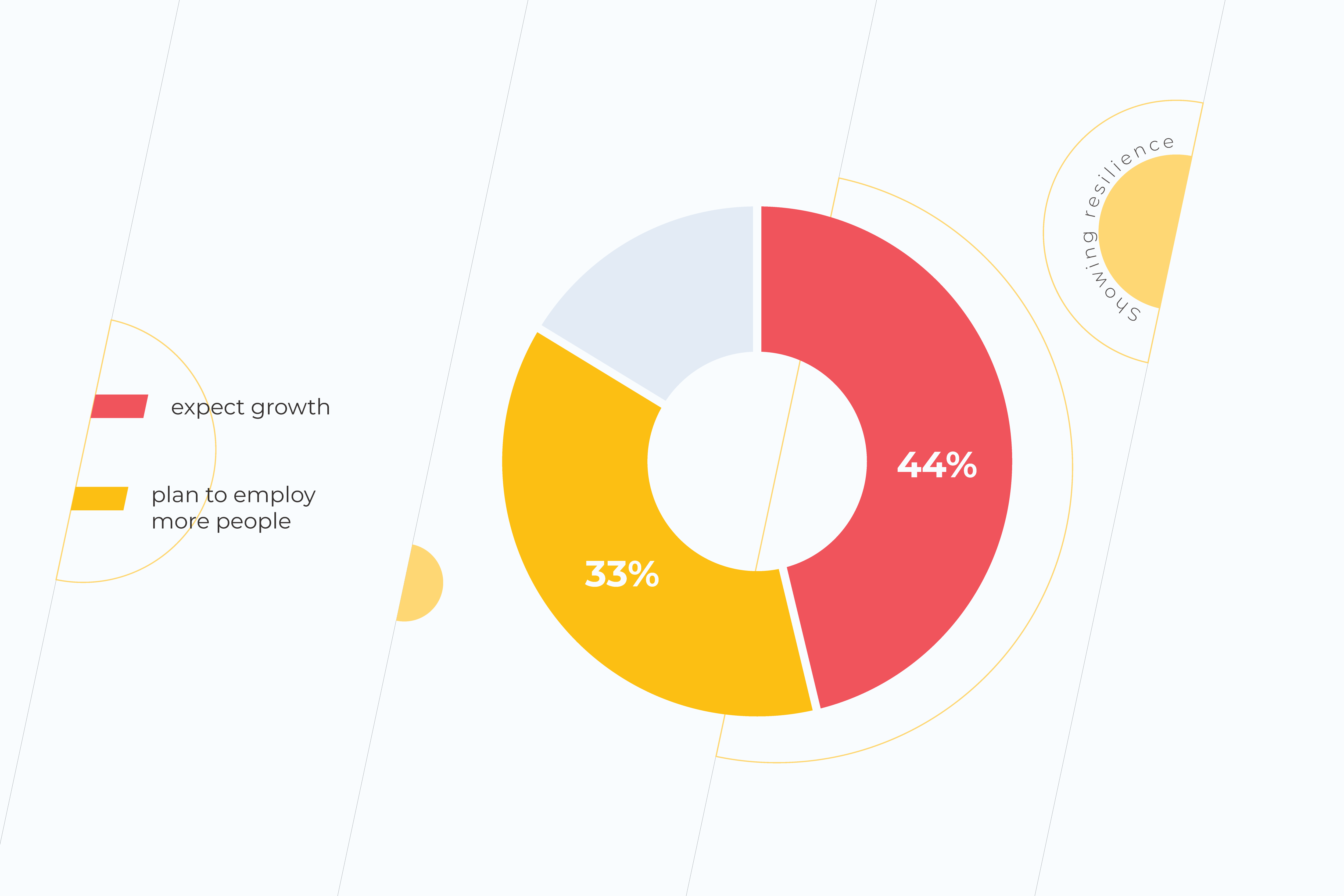
Even though optimism in business is not as high as in previous years, mid-sized companies are showing optimism for the future. 44% of companies expect growth in this coming year, while 33% plan to employ more people, adding to the workforce. While this is down from 2019’s Q4 results (pre-COVID) of 73% and 48%, respectively, all things considered, it is a promising development for the future. This proves that the coronavirus crisis is not a growth blocker. Instead, it serves as a reminder of why scalability is important for any business. 

Why many mid-sized companies struggle when scaling a business for growth

Not quite a start-up and not quite a large-scale enterprise. When it comes to mid-sized businesses, finding the balance between scalability and sustainability is no easy feat. Mid-sized businesses often find themselves grouped in the SME segment, yet the obstacles they face when scaling their business model will be quite different to a start-up. Here are some of the ways. 

Mistaking growth for scaling

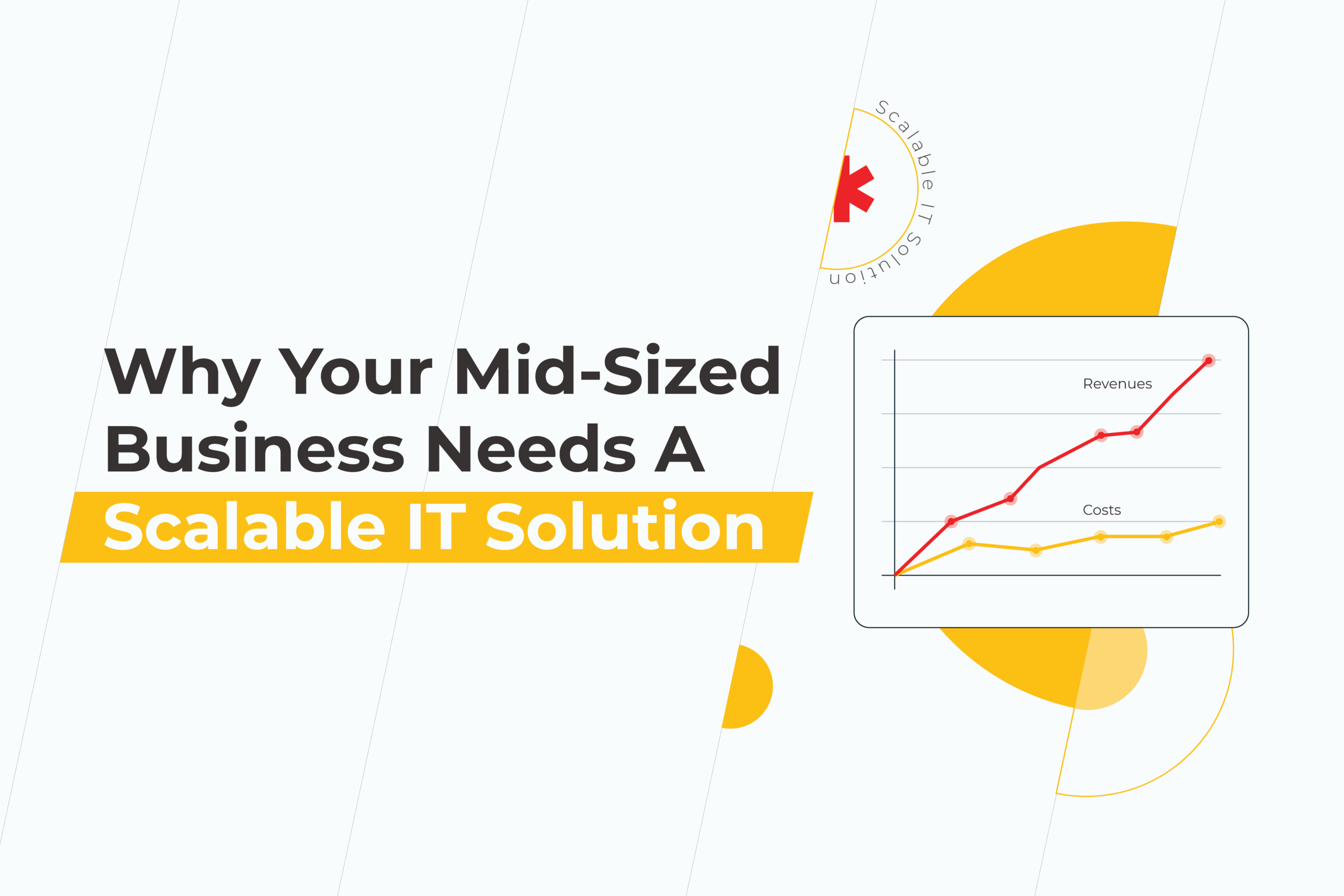
Before diving into scaling, companies should consider the growth scale value definitions and decide which one they are truly seeking at this stage. So, what is the difference? And what is scaling in business? Scaling in business focuses on adding revenue or profit faster than the costs it takes to do so. Meanwhile, growth focuses on increasing revenue in line with the number of resources used. Knowing how to scale and do so effectively is art for business managers who are able to analyze scaling opportunities and implement them effectively. 

Struggling to realize the next step in scaling

For many, it can be difficult to analyze which step is the correct one when it comes to scaling. Alongside mistaking scaling for growth, managers may face difficulties in establishing the right path forward considering the current market conditions. The post-COVID world only makes this riskier. Approaches that work for start-ups or large-scale enterprises don’t always apply to mid-sized companies, so this can make the research ground a little thin when it comes to defining the next steps in scaling a business. 

Find the right solutions for scalability

What is a scalable solution? And which one is suitable for your particular business or industry? When approaching the challenge of scaling, it’s vital that managers examine industry-specific strategies that work within their current field and growth level. Knowing how to employ the right strategies and technology to get results is the key to success.  

What is scaling in business, and what does it mean for you?

business scaling strategy

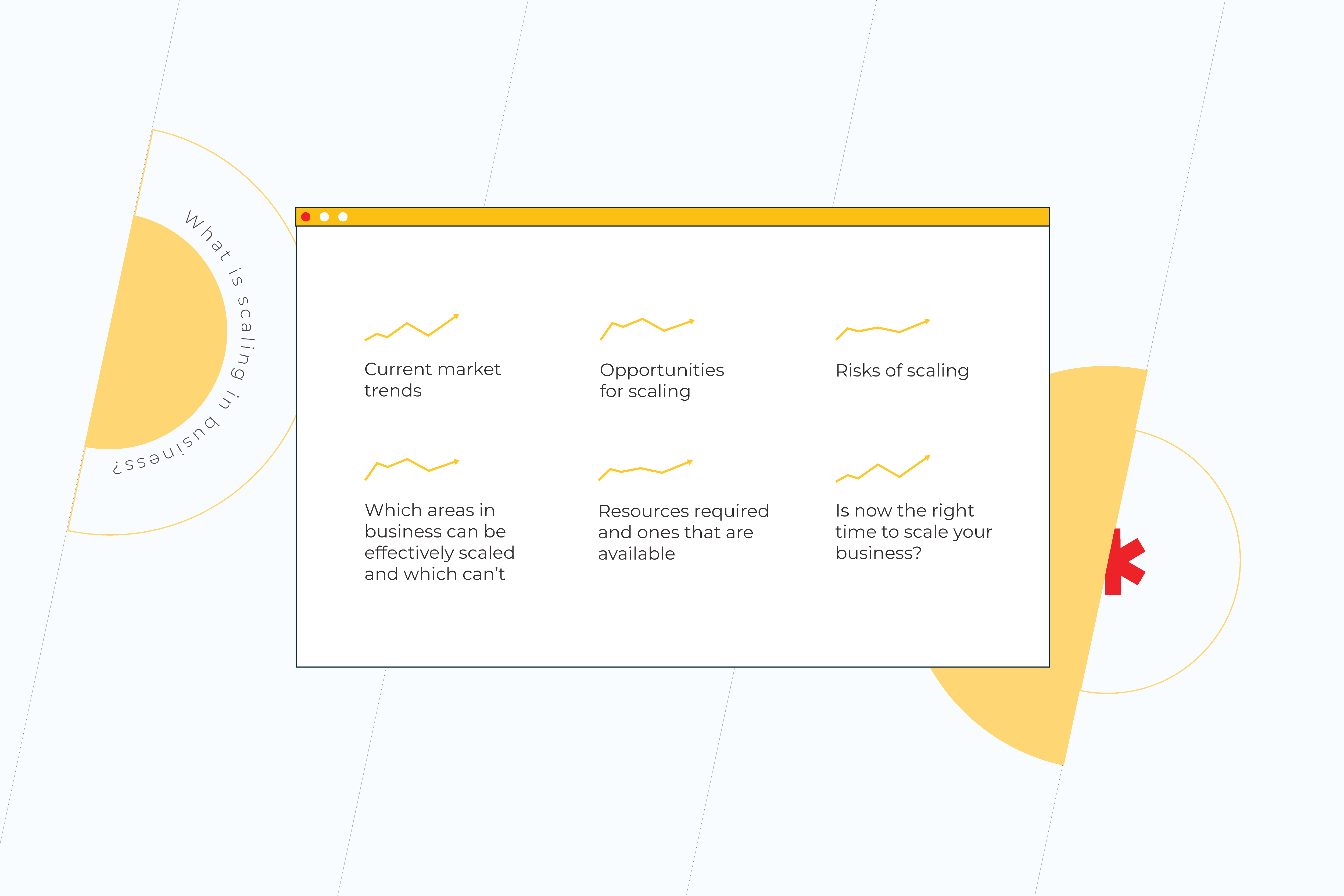
Scaling in business is all about increasing business development while using it effectively to get results. For every company that wants to build scalable business solutions, there is a unique approach. What has worked for another business may not work for yours, and vice versa. That’s why it’s vital at the outset to define what scaling in business looks like for your company. You should take the time to analyze:

  • Current market trends
  • Opportunities for scaling 
  • Which areas in business can be effectively scaled and which can’t
  • Risks of scaling
  • Resources required and ones that are available
  • Is now the right time to scale your business?

By doing so, you will illuminate where your company stands at the moment and if now is the right time to focus on scaling your business.  

How to create your personalized business scaling strategy

As we previously said, there is no singular scale-based strategy example or one-size-fits-all scaling a business solution. Instead, the specific needs of your company will dictate the direction you need to take. That said, there are some common factors that businesses should take into account for starting scaling.

Solidify “real” market value strategically

As a mid-size business, it’s safe to say you made it. You proved your business can be a success, but what’s the next step, and where do you go from here? If your business has reached this stage, you could be primed for scaling. Now it’s all about refining your business and getting it ready to scale. Here’s how:

Define your customer base

Before, you might’ve had a more general idea of who your customers are. Now is the time to dive deep and target. By knowing your customers, you’ll know which areas of your business need to scale to be most effective to them. 

Refine your core values—think product

Now, it’s time to look at what you bring to the market. Why should your customers choose you and not a competitor? Knowing these values means you can focus on building your brand in these areas.

Solve one thing at a time

When we try to multitask, we often find ourselves torn between various areas, and this can be extremely harmful when it comes to scaling a business. It divides your focus and makes any moves ineffective. At this stage, it’s important to define your focus and only tackle one problem at a time. Solved that one? Then move to the next one. 

Use smart metrics

Once you’ve defined which areas of your business to scale, it’s time to decide how you will know your effects were a success. That’s why knowing the scale in business meaning for you matters. Decide which metrics you will use to know if scaling was a success for you and the key milestones you need to achieve to get you there.

Avoid introducing a new product or service

Scaling generally isn’t about introducing a new product or service to your range. Instead, it’s about optimizing what you have and making that work more effectively for your business. However, what this doesn’t mean is being afraid to onboard new methods, systems, or technology that help get you there. Don’t hesitate to research and explore new solutions, technology, or methodologies that could work for your business.  

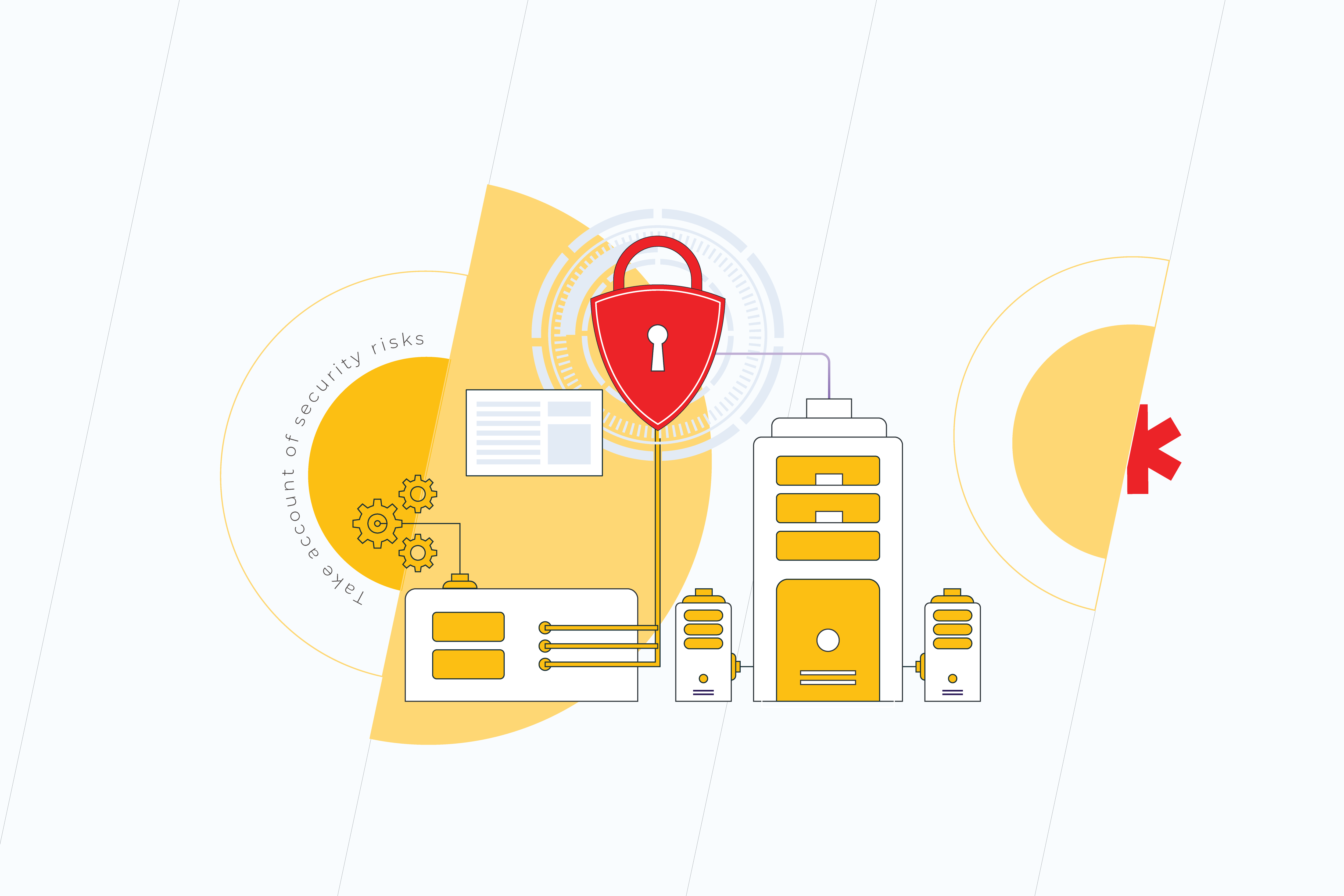
Take account of security risks

business scaling strategy

When scaling, your systems will become larger and more complex. This can lead to issues such as errors or weaknesses in the system’s security, which can cause data leaks or bugs. That’s why, when scaling, it’s essential to take account of security as a priority, and not as an afterthought. Initiate a plan for how you will secure your data and systems before they need protecting.

Unlock the power of the right technology

For many businesses, getting the right technology on board can help scale businesses astronomically. It can automate processes, make things simpler, or even unlock new potential. One of the most popular solutions at the moment is cloud computing. Its various areas can help businesses scale and do so remotely. By unlocking the benefits of scalability in cloud computing, companies can utilize the power of the cloud to allow employees to work from anywhere in the world, access their systems when needed, and increase the scalability of the business by moving it from one fixed location or office to worldwide. Learn more  about how to outsource software development projects.

Keep that growth spirit 

As companies grow, it can be challenging to keep that entrepreneurial spirit that helped them to get this far. Processes may seem routine and stable. But it could not be more essential than at this moment. At this time, it’s vital to adopt an agile mindset to scaling, one that permits you to define a strategy, test it, and adapt it to fit your business needs. 

IT infrastructure scalability—the next steps for your mid-sized business

In the modern business environment, an effective IT infrastructure is one of the most important tools a company can have in its kit. From effective cloud computing to analytics solutions, to automation solutions, having the right technology at your fingertips is key. However, for businesses just starting out or those seeking to scale and fast, it can be confusing to know which solution is best for you. 

At *instinctools, we are the experts in digital transformation. Get in touch with us to find out how we can help you scale, or follow our blog to discover more on how to keep your business up-to-date and primed to scale. 

6 Hidden Costs Of Cloud Migration

Control over expenses has always been one of the main promises of cloud computing. Unfortunately, cloud migration is far from a simple process. Without rigorous planning and an in-depth understanding of how it should be done, companies may run into pitfalls they didn’t initially expect. 

According to Capita, 56% of the surveyed IT decision-makers admit the cloud is more costly than they thought. Yet, the majority (86%) of respondents are satisfied with cloud computing. For more than three-quarters (76%) of organizations, moving to the cloud has led to an improvement in IT service levels, while two-thirds (67%) report the cloud has proven more secure than on-premise.

These numbers clearly indicate two things. The first is that the benefits of cloud migration are compelling enough to outweigh its downsides. The other one – enterprises should know exactly what to get ready for.

Cloud migration issues you haven’t been aware of

Vendor lock-in

There are situations where the cost of changing a vendor is so high that the customer is unwillingly stuck with the original vendor. Remember the early days of iTunes when Apple locked consumers into using the service because music bought via iTunes could only be played within the iTunes App?

The same ‘lock-in’ can take place when it comes to cloud service providers. There are good reasons to prove why this is bad. It might be the inability of the current provider to meet the new requirements of your growing business. Or, if your cloud provider goes out of business, your servers are gone too.

The truth is that most cloud migrations if planned and executed diligently, go pretty smoothly. However, if something goes wrong, cloud-to-cloud migration has become quite big of an issue. Here are some tips to mitigate vendor lock-in risks:

  • do your homework: figure out your cloud migration goals, assess your current IT situation, determine necessary cloud components;
  • make an ‘exit’ plan: no matter how weird planning to quit may seem at the beginning of your cloud journey, it’s an important step to protect your company in case your ‘plan A’ goes adrift;
  • maximize the portability of your data by avoiding proprietary formatting and make sure that your cloud vendor provides a way to extract data without difficulty;
  • consider a multi-cloud strategy to be able to choose the best offering from each cloud provider;
  • implement DevOps tools to maximize code portability.  

Overprovisioning

The word “provisioning” speaks for itself. As much as stocking up with essentials works for camping, it can also be perfectly applied to cloud computing, except the essentials in this case are not thermoses, sleeping bags, or tents. Provisioning is equipping cloud instances with everything it needs to run IT services.The problem is  there’s always a risk to either overestimating your needs or underestimating them.

Overprovisioning is buying more of something than you need and paying for power you don’t use. Meanwhile, the price of what you really need and what you pay for may differ significantly. There are a couple of things you can do to avoid this expensive mistake. First of all, size up your servers correctly. It’s a good idea to set up a baseline of how much power you use and start from there, monitoring and sizing up the resources as you go. Secondly, terminate idle instances. To lower the cost of your monthly cloud bill, don’t leave underutilized servers switched on. With IaaS, you don’t pay for instances that are turned off.

A fragmented approach to the migration process

Sometimes companies view migration from the bottom up when each department manages it in a vacuum. Such a strategy impedes the transformational process and causes the duplication of effort, which, at the end of the day, increases the cost of migration. To lessen the struggle with individual departments pulling time and resources in opposite directions, you need to unify your cloud migration strategy.

We have 20+ years of experience in performing digital transformations

Straight lift-and-shift approach 

Moving to the cloud will only save you money, if you know how your applications need to be changed, that is. As tempting as it may initially seem, the lift-and-shift approach doesn’t work as you expect it to with applications that are not cloud-friendly. It usually brings about degraded performance or operational issues. Moreover, without code optimization, configuration, or refactoring there’s little chance to maximize long-term cloud cost savings. Thus, identifying the critical features of the application is the crucial thing to do before the migration. Otherwise, it’ll be impossible to take full advantage of cloud implementation.

Support issues

If an online presence is critical for your business to operate smoothly, support issues should be of primary concern. If something goes wrong with your applications in the cloud, you can’t speak directly to the engineer or expect that your problem will be resolved in no time – cloud providers have their workforce limitations and expanding customer-base. Having to wait for the issue to be resolved takes its toll in terms of downtime and inability to serve end-users.

As long as customers can’t control infrastructure from their end, they have to be really careful about choosing a trusted cloud vendor that is capable of providing the level of support and protection you need. 

Lack of extra skills

Without a doubt, a team with a strong technical background is a must for carrying out cloud migration. But it’s not only your staff’s tech knowledge that can save you money. Non-technical skills are of equal importance:

  • proper project management

Planning and tracking, organizing and overseeing a lot of moving parts are essential when it comes to cloud computing success. So these are the abilities a good project manager should possess.

  • business knowledge

Understanding core business processes and being able to explain them to programmers ensures all the necessary business requirements will be met in the course of the cloud project.

  • understanding legal implications

Employees who can provide legal advice on cloud computing are invaluable for the company. Having some knowledge of rules and regulations around cloud providers can significantly improve decision-making.

Every migration journey is unique. For some companies that were ‘born digital,’ it’s likely to be short and easy, for others – longer and more complex.

Whichever path you’re meant to take, the destination can be reached with the help of partners who embrace your uniqueness. We lead and support companies in their cloud migration journey providing IT consulting and cloud computing services. Drop us a line if you have challenges with your cloud migration project.

5 Major Benefits of Self-Service BI

IT departments crave freedom from the monotonous work of non-stop report generation. Not to mention that many employees appreciate the idea of self-sufficiency when addressing their information needs. Besides, data continues to grow dramatically and businesses have to make important decisions in an instant. Decision-makers can no longer wait around the IT department to get the latest reports. That’s when the time comes for Self-Service BI (SSBI). It requires no coding expertise, which makes it simple to run queries and create reports, enabling everyone to benefit.

Traditional BI VS Self-Service BI

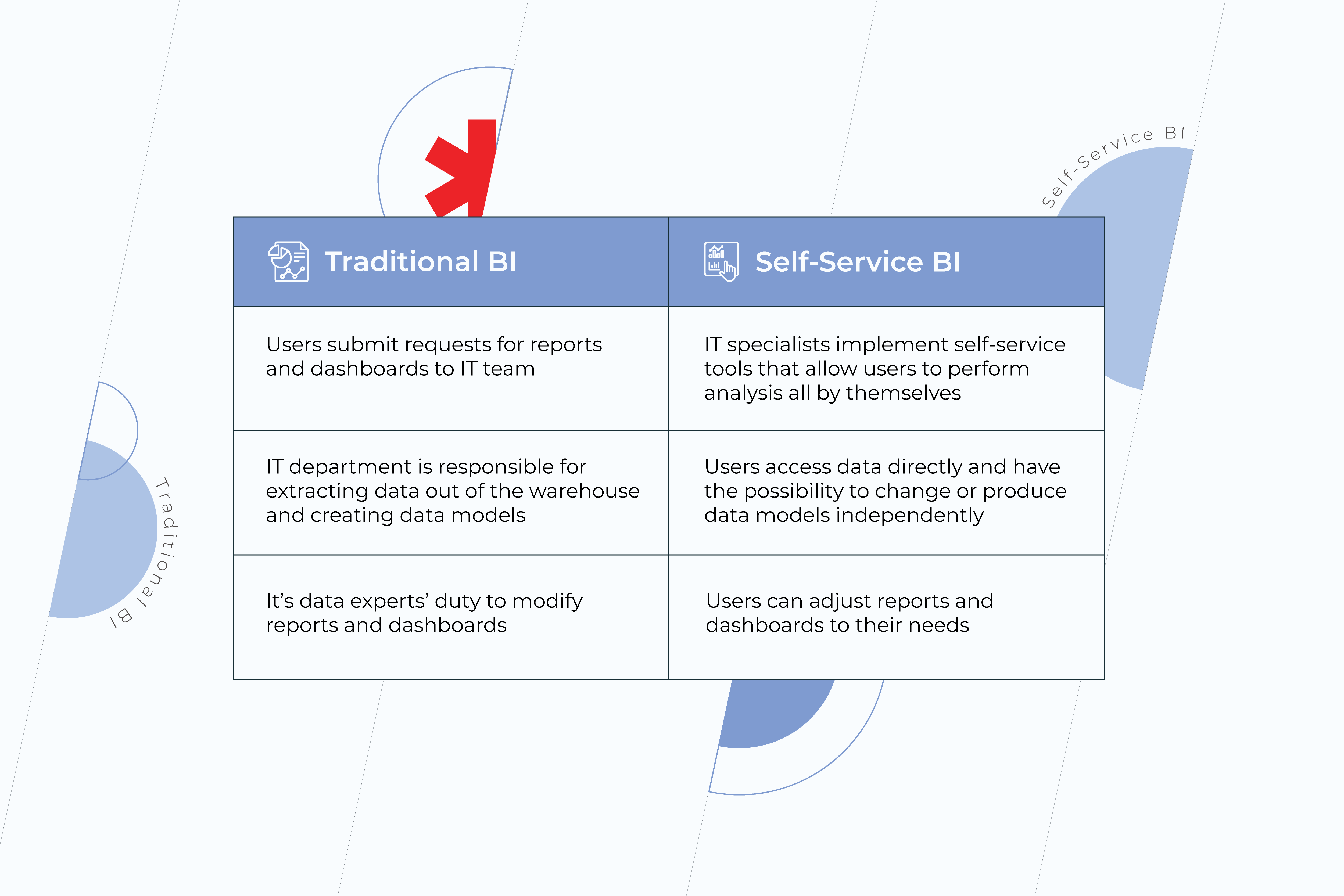
Traditional Business Intelligence services count on IT teams to reveal insights from data. For a person who doesn’t know SQL and has no experience in data engineering, it becomes impossible to benefit from business analytics and business intelligence solutions to the full extent. Since there are only a few people in a company who have control over data, business users often have to wait for ages for their reports to be done or settle for less with spreadsheets and static presentations. In contrast, self-service BI tools make the process of running queries and creating reports much easier. These are platforms that let people with no-matter-what technical background explore and make use of data on their own. Here are the major differences between traditional and self-service approaches:
traditional bi

Benefits of Self-Service BI

1. Independence from IT departments 

The main advantage of self-service BI is freedom from the problems of traditional IT reporting. From the moment SSBI is implemented in a company, users can create their own reports without involving IT staff in the process. However, the notion of independence may seem pretty generic and overly abstract. Let’s take a look at what it entails:

  • increased agility and flexibility 

When it comes to self-service, business users gain the level of agility they’ve never had before. With self-service BI intuitive tools, predefined templates, and dashboard objects, ordinary users get the possibility – unprecedented until recently – to create ad-hoc reports by themselves and share them among other employees. Yet, SSBI functionality is not limited to the creation of reports only. Users can also adapt the reports to their own needs, changing the information and visualizing key indicators in the most relevant way. Besides, self-service functions help users with data integration. When data from external sources, such as Excel spreadsheets, flat files, etc., needs to be integrated into reports, it can be done easily and swiftly.

  • improved and faster decision-making 

Efficient decision-making is impossible without understanding the story behind the numbers. Dashboards full of analytics that is hardly relevant to your question can’t be of much help. Meanwhile, SSBI software encourages end-users to better understand the underlying data and interact with it more effectively.

Your business can only benefit from timely decisions, whereas problems that aren’t handled in time can cost notably for the company. Unfortunately, a good number of employees get the required reports from IT departments behind schedule. With self-service BI, users no longer have to wait for data teams to deal with their requests. Instead, they can get all the necessary information whenever they need it and make accurate decisions, based on that information.

  • reduction of IT workload 

Data experts’ special skills and experience shouldn’t be spent on routine tasks over important projects. Thanks to SSBI, things like ad-hoc reports can be easily generated by business users themselves, while an IT team can finally allocate time for company’s pivotal issues. To sustain steady development, it’s necessary to not only answer immediate questions but be able to find the answers to big-picture questions. Thus, improve the company’s overall strategy because that’s what moves business forward. 

2. Expanded access to data

traditional bi

With the emergence of self-service BI, data stopped being the exceptional prerogative of technical elites. Providing non-technical users with an opportunity to analyze data and make decisions based on it is a huge step in the direction of a data-driven culture. It’s natural that the more employees have access to accurate and precise information – often referred to as a single source of truth – the lower are the odds of making bad decisions on all the company’s levels. And bad decisions can cost you the game.

3. Ease of use

As long as the aim of self-service BI is meeting business users’ requirements – and technical skills, let’s be honest, are not their strong suit – the solution must be truly intuitive and feasible. A good solution empowers your employees to easily query data relevant to their job role and navigate its features without extensive business intelligence and analytics training.  

4. Collaboration 

Having a single source of truth and easy access to data for all the employees inspires collaboration, which results in a powerful synergy. It happens because when representatives of different units come together they see the big picture and address the issues holistically. Indeed, context brings more accuracy to problem-solving and allows teams to make decisions faster than they used to when staying focused solely on their individual segments. In addition, efficient collaboration strengthens your teams. People become more invested as they see the impact of their individual contributions to a common success.

5. Lower costs 

As long as the cost of BI software licenses and related hardware is easy to count, it tends to be the primary focus for business people who are thinking about its implementation. At the same time, the expenditure on IT staff to maintain traditional business intelligence systems might be overlooked. Organizations that use a self-service approach in delivering analytics spend way less on IT support per BI user than those who do without self-service. Such cost reduction is possible thanks to the balance of duties. Shifting the responsibilities for simple analytics tasks from technical specialists to business users is beneficial for both. It allows the IT team to concentrate on more important areas and improve the overall efficiency by doing the things they’ve always been meant to. Whereas business users feel more committed to the projects they work on.

Moreover, self-service BI platforms can be easily scaled without major IT help, which contributes to cost savings as well.

Strengthen Your Company’s Data Culture

Self-service tools alone meet only half of the analytics challenge. At the end of the day, it’s about the people who use them. However, smart business intelligence and data analytics practices encourage people within the organization to better utilize their skills and experience, align their decisions with the company’s goals, and prevent them from making bad choices.

Don’t delay your journey towards a data driven culture! Reach out to our BI experts.

How will modern IaaS Benefit your Company

In recent years, IaaS adoption rates have been growing as companies increasingly invest in cloud technology. What does investment in cloud infrastructure entail exactly, and what are the real benefits of IaaS for a business? Join us as we uncover more of the benefits of infrastructure as a service (IaaS) and a little more about cloud services in general.

What is IaaS?

For many, the concept of cloud technology can seem elusive. Is it just a theoretical place where our data is stored, ready to be accessed at will? Well, yes, but it’s also so much more than that. 

IaaS stands for Infrastructure as a Service. It’s a cloud computing model that delivers a subscription-based service for fundamental compute, network and storage resources.

 This allows users to avoid the challenges of purchasing hardware and managing it. Instead IaaS empowers them to remotely manage: 

  • Servers and storage;
  • Networking firewalls and security.

In doing so, IaaS providers can also cover some additional functions essential for business. For example, the following infrastructure as a service benefits are delivered by the largest market players:

  • Ability to analyze big data. Another growing business trend, big data, is a key component of any company’s future plans. It allows a company to establish future trends or see patterns and associations that a human wouldn’t. IaaS delivers the processing power to make analyzing such massive data sets possible.
  • Computing performance like no other. Speaking of processing power, another infrastructure as a service benefit is its HPC—high-performance computing. Using supercomputers, computer grids, and more, IaaS is a problem-solving, pattern-identifying powerhouse. 
  • Data warehouse power. We may have moved away from physical filing cabinets, but that data has to go somewhere, right? Correct! IaaS delivers by providing the storage, backup, and recovery for all essential company data. This reduces the outlay of finding a storage space and costs associated with data. It’s also easy to access and thoroughly tailored to your needs. 
Benefits of IaaS
  • The perfect environment for testing and development. Trying to test out new products or software can be not only time-consuming but expensive too. Creating the environment to conduct these tests, especially so, that’s where the benefits of IaaS cloud computing come into play as testing and development scenarios can be easily set up and dismantled without any extra costs.   
  • Supports web-based apps. If you’re building a web app, you know it doesn’t exist in a silo. That’s why you’ll need a robust support system around it. The cloud-based infrastructure benefits web apps by providing storage, servers, and resources that let applications run. Its scalability capabilities act as a risk management tool by allowing this environment to grow or recede in line with business needs.  

Who are the key players in the world of IaaS?

Although you may not know it, you have probably heard of some of the most popular providers of IaaS. They include world-known names such as:

  • AWS 
  • Microsoft Azure 
  • Google Cloud
  • IBM Cloud
  • Oracle Cloud Infrastructure

But of course, there are many other great providers out there. What’s essential is to find one that suits your specific needs and budget.

What are other cloud-based systems out there?

Now you know what IaaS is and its cloud-based infrastructure benefits, let’s learn a little more about the ecosystem it fits into to avoid confusion. IaaS is a cloud computing service. It is one of many cloud services out there. But what are the others? Let’s take a look.

  • PaaS stands for a platform as a service. Think of it as the hardware and software that is created upon the canvas of IaaS. PaaS empowers users to create apps and services while reducing the need for admin processes. Some examples of PaaS include AWS Elastic Beanstalk, Windows Azure, Google App Engine, OpenShift, among others.
  • SaaS is short for software as a service. This is custom, ready-to-use software that is available online. Generally known as “on-demand” software, it offers wide distribution, flexibility in subscription, and accessibility. You are probably familiar with some of the most common SaaS solutions out there, such as Gmail, Slack, and Skype.
  • CaaS is an abbreviation of Container as a Service. What this is, is a contain-based system that helps companies deploy and manage apps and other computer services. Some of the most commonly used providers include AWS, Microsoft Azure, and Pivotal.
  • FaaS means Function as a Service. Essentially, this is a platform that lets businesses run, develop, and manage applications without the need to build their own infrastructure to do so. Some notable providers of FaaS include AWS Lambda and Azure Functions.

Although the various cloud services may sound similar, they are not the same. Depending on your business requirements, you may use one or more of these.

What are the benefits of infrastructure as a service, aka IaaS?

Time, money, labor. These are some of the top reasons that companies state as their motivation for switching to the cloud. But are there other advantages of infrastructure as a service? Let’s take a look at the top benefits of IaaS in cloud computing.  

1. Reduces TCO. Destroys capital expenses

No doubt that on the whole, IaaS is a cost-effective solution. Firstly, all upfront costs (i.e., data storage) are borne by a data center. Meanwhile, ongoing costs are worked out via a subscription model. All this means that often the TCO is reduced, making IaaS effective for a business. 

2. Boosts flexibility

One of the key criteria for a modern business is the ability to innovate and adapt to market changes quickly. This is one of the key benefits of scalability in cloud computing. By providing a flexible, scalable system, a company can more easily adapt and scale up quickly to meet market demands. And if those demands wane, then subscriptions can be reduced accordingly.

3. Minimizes the risks in stability and reliability

In today’s post-pandemic world, where we are still working remotely from all corners of the globe, disaster recovery (DR) and business continuity (BC) planning could not be more important. The real business benefits of cloud storage mean that your team can continue to work even if something happens at one physical location or nation. This makes your business infrastructure highly adaptable to change, so you can move if and when you need to. 

4. Support when you need it

As your IaaS is external and operated by a third party, you’ll always have support on hand to solve issues. This can range from troubleshooting problems to dealing with downtime and everything in between.  

5. Cuts the time-to-market

The benefits of stability in cloud computing are all well and good, but in today’s ultra-competitive market, one of the key factors of success is a fast time-to-market. Getting your product, service, or upgrade out there faster than your competitors gives you an edge. The stats show that a product that gets to the market more quickly makes 67% more profit over the next five years than one that is on the budget but late. 

6. More secure and efficient

As long as you have an appropriate service agreement (SLA), you’ll know that your data and everything surrounds it is safe and secure. More often than not, due to their scale and expertise, your IaaS provider can deliver better security than you can in-house, making it a solid choice. 

7. Allows you to focus on what matters

From dealing with customer service to ensuring that your team is the best that they can be, making the informed decision to onboard IaaS means you are freeing up your time to focus on more important matters.

Are there any challenges to IaaS?

Before making the cloud IaaS seem like too much of a cloud-9 dream, let’s take a look at some of the challenges. After all, no system is perfect. It’s all about finding the best one for your business. 

Any existing investments. If you have previously spent money on IT infrastructure, you may find that moving to the cloud could be more costly for you right now. If this is the case, undertake a complete analysis before moving to IaaS.

Vendor lock-in. When using a cloud-based system, you will become somewhat dependent on the cloud provider in terms of upgrades, maintenance, and other areas.  For each company, their level of service will be different, as your level of comfort control will be. That’s why you should always factor this into your analysis when choosing to switch to the cloud. 

Compatibility. If you’ve already started to modernize your business, you may find that moving to IaaS is a little more challenging than expected. Always check before you start how compatible your current system is with a move to the cloud.

Legislative restrictions. Remember always to read the fine print. Depending on your industry, you may be subject to specific regulations or security procedures. That’s why before signing up for any cloud system, it’s vital you check out the small print on security and data storage.

Push-back from stakeholders. Very often, it can be challenging for stakeholders to grasp the true benefits of IaaS. That’s why, when it comes to investing in new technology, it’s vital you have a compelling argument complete with the actual benefits for your industry. 

Downtime concerns. Moving to the cloud is never simple, and some downtime is expected. But for a business, this can be scary. That’s why it’s vital that you know going into the cloud migration process how long that downtime will take and what’s your backup plan if things run longer than they should.

Lacking cloud expertise. Many companies shy away from onboarding IaaS technology for one reason—they don’t know enough about it. That’s why it’s vital to start the IaaS migration process to inform yourself as well as possible and get the right specialists on hand who can explain all there is to know from A to Z.

How to set up a modern infrastructure for your business?

Need professional help with adopting cloud technology?

Developing a cloud adoption strategy is a vital step forward for your business. And considering the benefits of IaaS in cloud computing, it should definitely be a key part of it. But what steps can you, as a business owner or manager, take to reap the benefits of IaaS for themselves? 

  • Analyze. At this stage, it’s vital that you define and create a document detailing your motivations for IaaS. Why is it vital to your business, and how will it add value?
Benefits of IaaS
  • Go deeper. Now let’s look at the business outcomes associated with IaaS, in which ways will it affect your business for the better, and in which areas? Meeting with other executives at this time can give you a more comprehensive viewpoint.
  • Make a case. Now it’s time to put all your research together. Include financial models such as TCOs, and the motivations behind your suggestion to present to management.  

Once you’ve completed these three steps, you’re almost ready to get started with upgrading to IaaS. By aligning the technology with your motivation and requirements, you can design and implement a successful IaaS project within your company.  

Get the benefits of IaaS for your business

Wanting to reap the benefits of IaaS for your business? Good choice. After all, with cost reduction, flexibility, and efficiency as some of the main Infrastructure as a Service benefits, it’s no longer a question of if you should consider a cloud-based infrastructure. It’s when. 

IaaS cloud computing is the future, but we know that taking that first step into innovation can be challenging. That’s why it’s important to do it right. Save yourself a headache and some cash by making sure you migrate the right way — backed by a team of cloud professionals ready to take on any challenge and get it right!

Leveraging TCO Analysis for Cloud Migration Planning

If you’re thinking about migrating your business to the cloud, the first thing you need to do is create a cloud migration project plan. But what is a cloud migration plan, and where to start? 

Below we’ll take you through some of our helpful hacks and top tips for cloud migration, including what a TCO analysis is and why it’s a must for your cloud migration plan. But first things first. 

What is a cloud migration plan?

A cloud migration plan is a strategy developed by a business to help migrate, or, in other words, move its data, applications, and more, from physical data-storage facilities to a cloud architecture. 

This plan should detail and analyze the processes, strategies, benefits, challenges, and costs of a cloud migration move, making it straightforward for all parties involved and ensuring the decision to move to the cloud is the right one for the business.

A cloud migration plan is the first step in a successfully accomplished cloud migration project. After all, one does not simply migrate to the cloud in one day.

How to create a cloud migration plan?

For businesses first approaching the cloud planning and migration process, it can be challenging to know where to start. After all, you’ve probably heard that “migrating to the cloud is great for businesses,” so that must be the case, right? Well, not quite. 

Cloud migration is suitable for many companies, but not all. Putting in place a realistic, well-developed cloud migration plan can help you establish if this is the right move for your business, how much it will cost, and how to do it right. 

How should the cloud migration process look?

1. Answer the why

TCO analysis

Don’t just go with the cool crowd. When choosing cloud migration, it’s vital that you do so because it’s right for your business. Answering the “why migrate to the cloud?” question helps you establish the qualitative benefits of migration and why it could help your business become even more efficient.

2. Know the costs

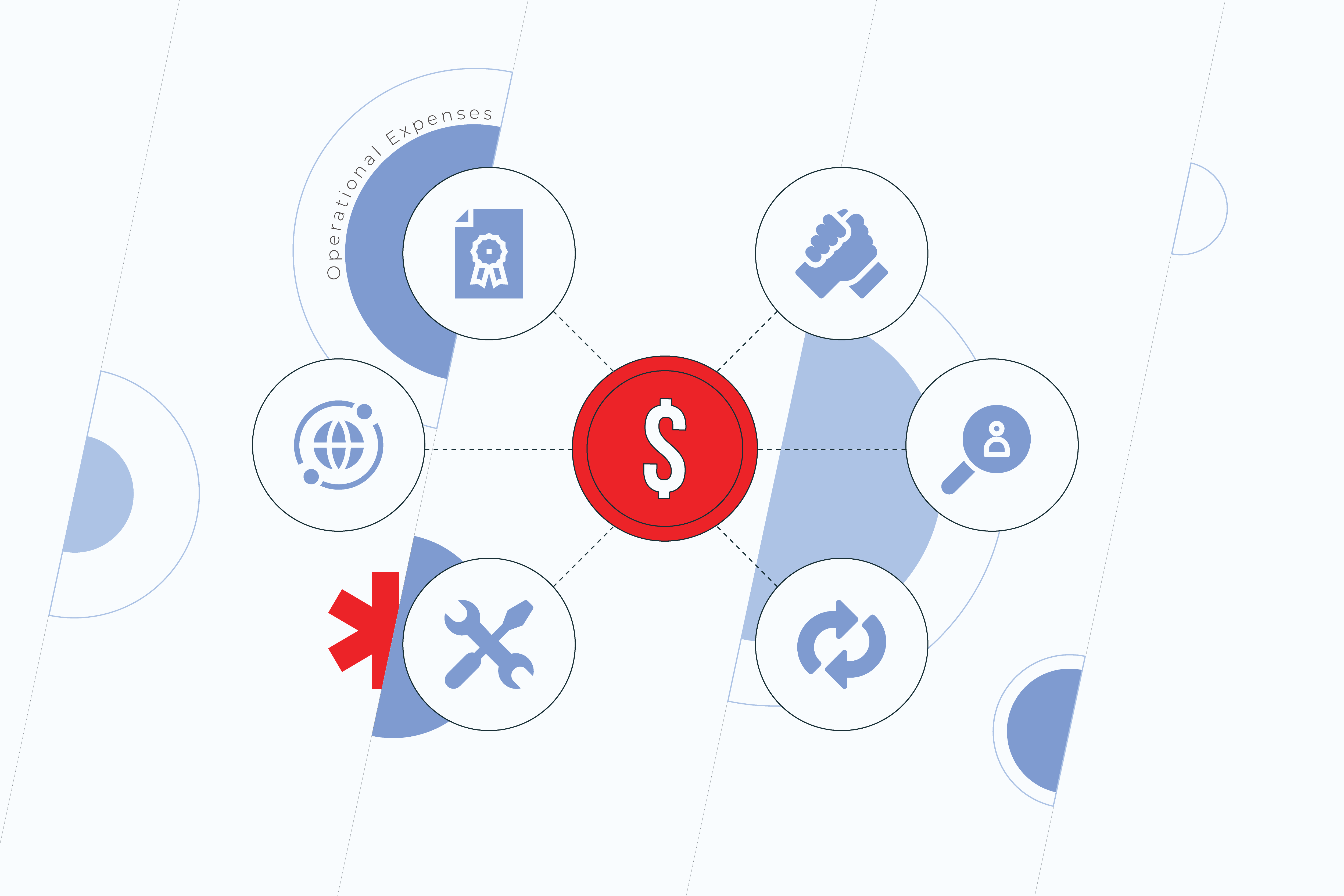
Almost any business decision will essentially incur payments. And cloud migration is no exception. A cloud migration cost analysis will help you plan the spendings in advance, so there are no unpleasant surprises and overheads later. We recommend carrying out a TCO analysis, otherwise known as a Total Cost of Ownership analysis. It embraces project’s capital expenses, indirect fees, and operational costs that will assist in making the right decision within your long- or short-term business goals.  

But why not just set out the immediate costs instead? Doing a cloud TCO analysis gives you the ‘bigger picture’ of your cloud migration. The primary costs may seem daunting, especially if you’ve had to bring a team on board. However, overtime costs should even out, giving you long-term benefits.

3. Get the knowledge

Just like you wouldn’t try to install a sink if you’re not a plumber, no one expects you to undertake a cloud migration or even a plan on your own. If you already have an in-house team who are up to the challenge, great! If not, it’s time to bring in the experts. Getting the right people on board early will save you in the long-term and help avoid any costly errors. 

Do you want to make your cloud migration process smooth and seamless?

Our top helpful hacks for your cloud migration plan

Over the years, we’ve experienced all types of cloud migration trials and challenges that are pain points for our clients. Here are our top tips for getting your cloud migration planning off to a flying start. 

1. Don’t go all-in at once

TCO analysis

No, this doesn’t apply to how much of your business you wish to migrate to the cloud. Instead, what we mean is don’t jump in at the deep end. If you are unsure about how to migrate your business to the cloud, take a gradual approach and consider all your options carefully. It’s better to go slow and steady to avoid costly errors than to try to fix them on the go.

2. Expect the unexpected

Very few cloud migrations go exactly to plan, and that’s to be expected. So, as we always say, “expect the unexpected.” This way, you can prepare for the challenges along the way. Completing risk analysis to detect potential risks and a TCO analysis to highlight hidden costs can help you migrate some of these risks on your cloud migration journey.

3. Embrace the process

How we store data and do business is changing. More and more companies are switching to the cloud. While this process can be scary, it’s vital that you embrace it fully as part of the long-term strategy of your business, not “just something the tech guys do,” to get the most out of your migration. 

Ready to migrate? Great!

Starting out on your cloud migration planning journey is exciting, but it’s also a daunting task too. When you are ready to begin, it’s vital that you go back to basics and evaluate and plan your cloud migration down to a tee. Need some help with cloud migration cost analysis? Drop us a message. 

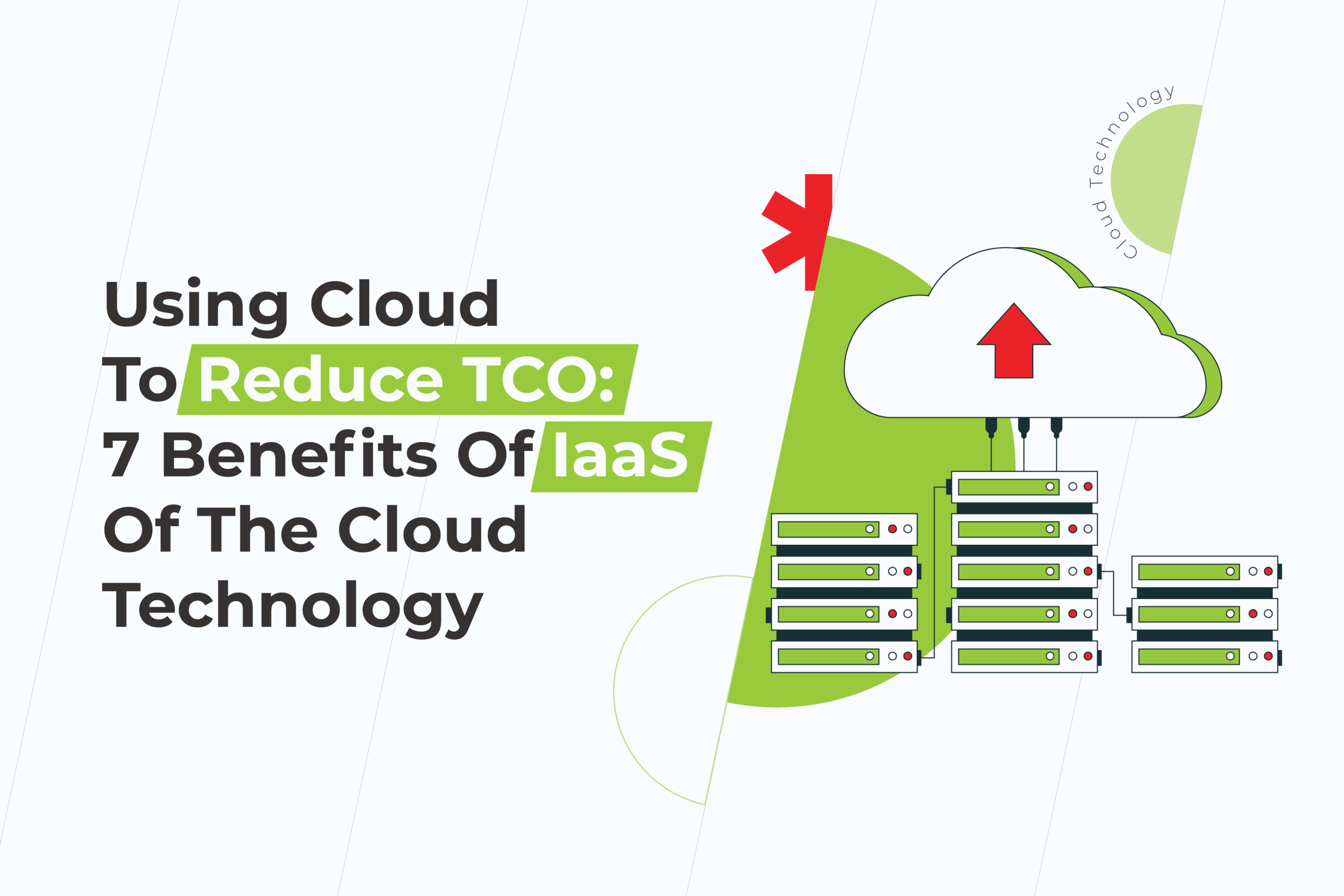
Using Cloud To Reduce TCO: 7 Benefits Of IaaS Of The Cloud Technology

Since the use of cloud computing is still relatively new today, many enterprises are afraid to adopt such solutions. For companies with already installed IT departments and equipment, the transition to cloud configuration seems quite inconvenient. 

Cloud computing has been introduced to businesses to lower the total cost of ownership and increase ROI while meeting IT service needs. 

While there is still no definitive formula for calculating the exact internal labor savings generated by using IaaS, identifying the underlying factors in this area can help organizations reduce their infrastructure’s total cost of ownership (TCO).

Benefits Of IaaS For Reducing TCO

There are more reasons for moving to the cloud than you might imagine: good flexibility, lower costs, and better control are just a few benefits. Understanding precisely what advantages apply to your business will help you make the right decision.

1. Cost savings

Reduce TCO

The most known advantage of using the IaaS model is that it can provide you with lower infrastructure costs.

This way, you no longer need to service your hardware or network equipment since it’s usually a pay-as-you-go model; you only pay for what you use.

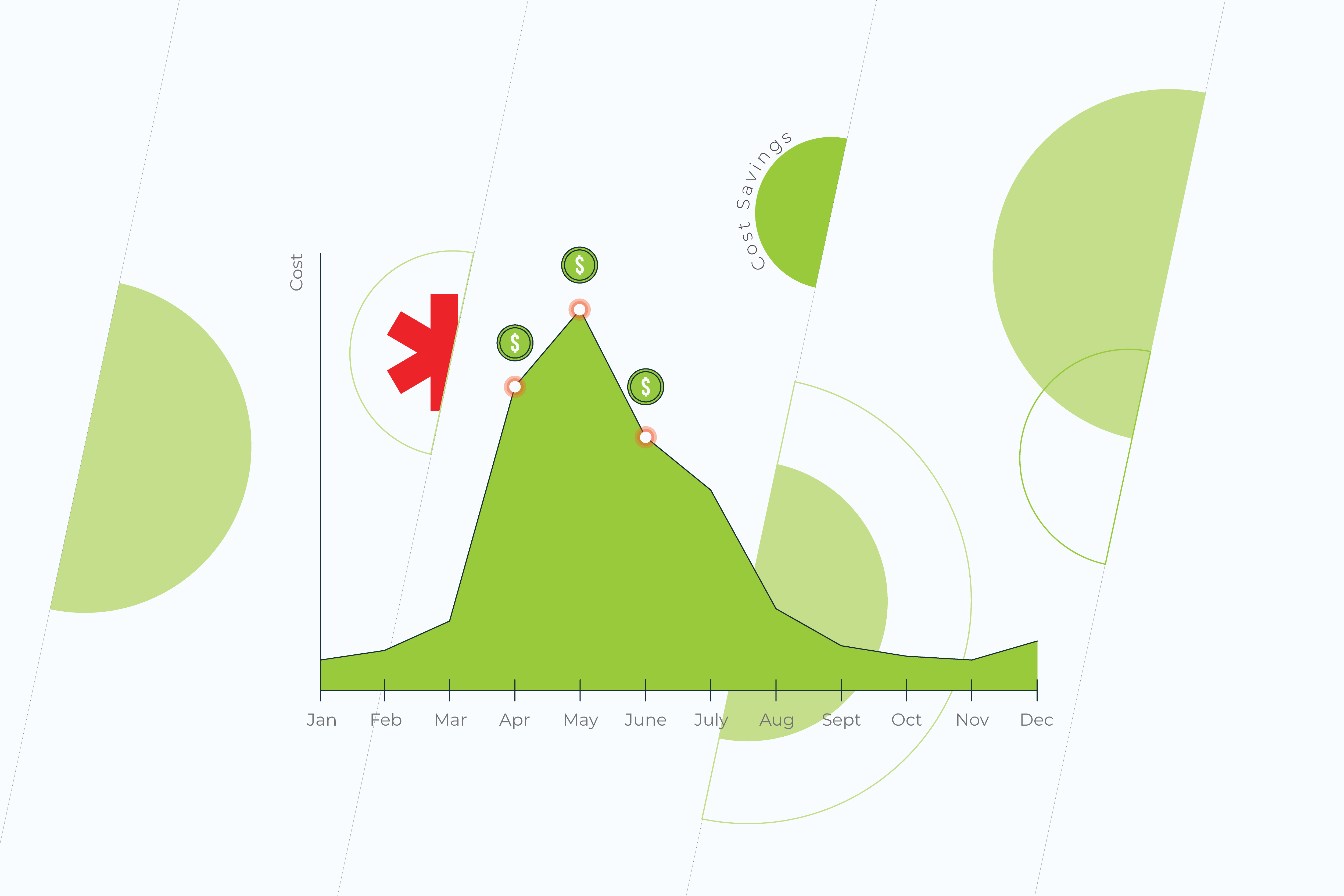
In other words, instead of paying for maximum capacity, you will only pay for it when you really need it. This may only be a couple of months a year, depending on when you have peaks in demand.

2. Flexibility and efficiency

By using cloud computing solutions, you have the opportunity to achieve ROI by dramatically reducing your initial investment. Operating expenses are a large part of the IT budget, with the flexibility to reduce costs during periods when the operating load is lower.

What’s more, the flexibility to scale up and down quickly in response to demand gives you a much more agile business.

3. Maintenance

Another huge advantage of cloud computing technology is the reduced cost of onsite server maintenance. Thus, when an organization uses the cloud, it can lower its total cost of ownership by reducing the cost of hiring onsite technicians and the total cost of maintaining servers and the space they are in.

4. Operational complexity

It’s an additional way to reduce total cost of ownership using cloud. Infrastructure is not always just equipment. For everything to work smoothly, you also need a team of skilled workers for your day-to-day work. IaaS easily solves this issue by outsourcing it. So instead of spending a lot of time recruiting new talent and keeping them updated, you can rely on the expertise of your cloud provider. They take responsibility for fixing vulnerabilities, securing and configuring the network for you, allowing you to focus on your business.

5. Reduced development time

One of the main reasons for moving to the IaaS of the cloud is that you can quickly build and deploy a flexible and scalable infrastructure.

Using the cloud, you will not need to spend a lot of time creating a new product. The cloud allows you to allocate X number of virtual machines and the amount of storage, and you can do that in a couple of days or hours. You no longer have to spend your resources since you can upgrade to IaaS.

6. Security

Security

Many IaaS cloud providers invest heavily in security operations to ensure the reliability of the data they manage. This also includes additional protections such as end-to-end encryption and dormant encryption for private and sensitive data.

7. Speed

Leveraging IaaS can help you dramatically increase business agility, and reduce time to market. Businesses using the cloud to reduce TCO can quickly target their freed-up internal workforce, save money, and avoid the expense of finding new customers and market opportunities.

Reduce TCO with cloud right now

Of course, most organizations today have already seen the tremendous benefits of the cloud. Switching to IaaS is one of the best ways to get the results you want. By creating an efficient and flexible environment, you can quickly adapt to changing clients’ needs while reducing TCO.

By leveraging the cloud and implementing it into your strategy, you will also increase agility, speed, and innovative capabilities so you can quickly respond to any changes in the business environment.

Do you want your business to be ready for changes in the business environment?  
Contact us!

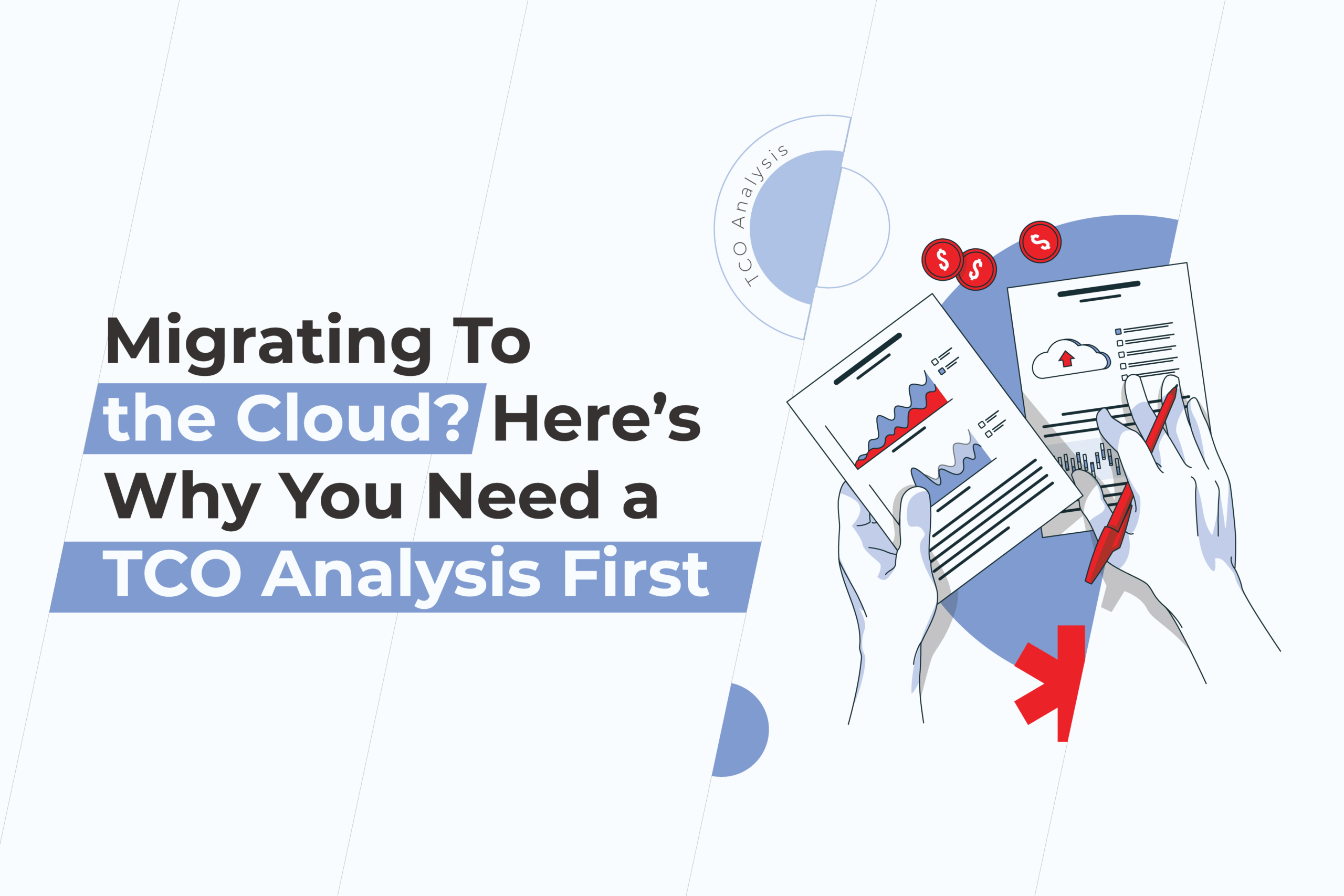
Migrating To the Cloud? Here’s Why You Need a TCO Analysis First

Deciding to migrate to the cloud is a huge step for any business. It can help improve efficiency, meet the growing demands on a company, and boost productivity. But before you start, there are a few things you might want to consider first, such as costs and the actual benefits of cloud migration. However, calculating these expenses is not always as simple as it seems. Using a TCO analysis can help you take into account the operational and indirect costs and benefits of migration. 

What is a TCO analysis, and what does it include?

TCO analysis stands for Total Cost of Ownership analysis. It is a tool used by businesses to understand the overall cost of a business action — in this case, migration to the cloud — as compared to the short-term purchase price. A TCO analysis takes into account various costs, including the capital, operational, and indirect expenses, to see how worth it that purchase is. Let’s break it down a little more.  

Capital expenses

These are the expenses that come before any initiation of cloud migration. This includes both the hardware and software required to complete the cloud migration. For example:

  • Hardware or software for the server
  • Installation and integration of the hardware with current systems
  • Workstation hardware and software
  • Warranties and licenses
  • Compliance costs
  • Migration costs
  • Costs related to risk (security vulnerability, upgrades, future licensing issues)

Indirect expenses 

These are unexpected expenses that could occur when you migrate to the cloud, such as effects felt by errors in the external cloud system. For example, indirect expenses can include:

  • Labor and repair time
  • Downtime
  • Time-to-market delays
  • Software updates
  • Delays on the side of the provider

Operational expenses

Cloud migration

These expenses are all about how much it will cost to keep your cloud system up and running in the long-term. It includes any software and hardware upkeep costs. For example, these costs include:

  • On-going licensing costs
  • Support costs
  • Contracts and hiring
  • Software update costs
  • Warranties and repairs
  • Network connections

How to do a cloud TCO analysis (with TCO analysis example)

Below we’ll outline some of the key stages in completing a cloud TCO analysis. Here you will start to understand the processes behind a TCO analysis and what to do to determine if cloud migration is worth it for your business. 

Stage 1: Audit your current IT infrastructure 

To compare the costs of cloud migration, you first need to understand more about your current IT systems and what they do. That’s why it’s time for an audit. 

Collect and compile all the data you have about your current IT assets. Remember to include:

  • Specifications
  • Processes
  • Performance data
  • Network connections
  • Systems and servers
  • Security
  • Data
  • Etc.

By jotting down what you have now, you will gain a deeper understanding of your current capabilities and limitations. 

Stage 2: Review & calculate your current costs

Now that you know your current systems and their capabilities, it’s time to crunch some numbers. At stage 2, we’ll look at the direct and indirect costs you are currently facing. For example, direct costs can include server costs, storage, IT staffing network connectivity, etc. which your business is directly responsible for. Often direct costs are predictable as they occur every month. 

On the other hand, indirect costs encompass how much downtime costs your business, worker productivity, customer satisfaction, and loyalty rates, etc. these costs are often more subjective, so you may find yourself speculating a little here. But, if in doubt, always err on the side of caution.

At this point, depending on your needs and company, it may be helpful to gather feedback from other teams, such as marketing, customer support, finance, others. This gives you a better understanding of the bigger picture of how your cloud migration will affect the entire company, and if any potential issues could arise in any particular department.Having a more comprehensive picture from various teams helps you develop a clearer plan for what is currently being spent across the board and what may be needed in future. 

Remember to include all costs here, even if they seem insignificant. For example, you may consist of employee overtime used to fix a broken server or even lost revenue of a dissatisfied customer. How much do these really cost your business? 

Stage 3: Contact a migration provider & get a quote

If you have the means and capabilities to migrate to the cloud in-house—great! In this case, your team will be able to estimate the following costs for you, and you can reach your decision from there. However, for many, this is not a reality. That’s why, at this point, it’s time to contact the cloud migration specialists. 

In taking into account the costs of cloud migration, it’s vital to consider the indirect and direct costs for infrastructure, migration, and maintenance. So, what do these entail?

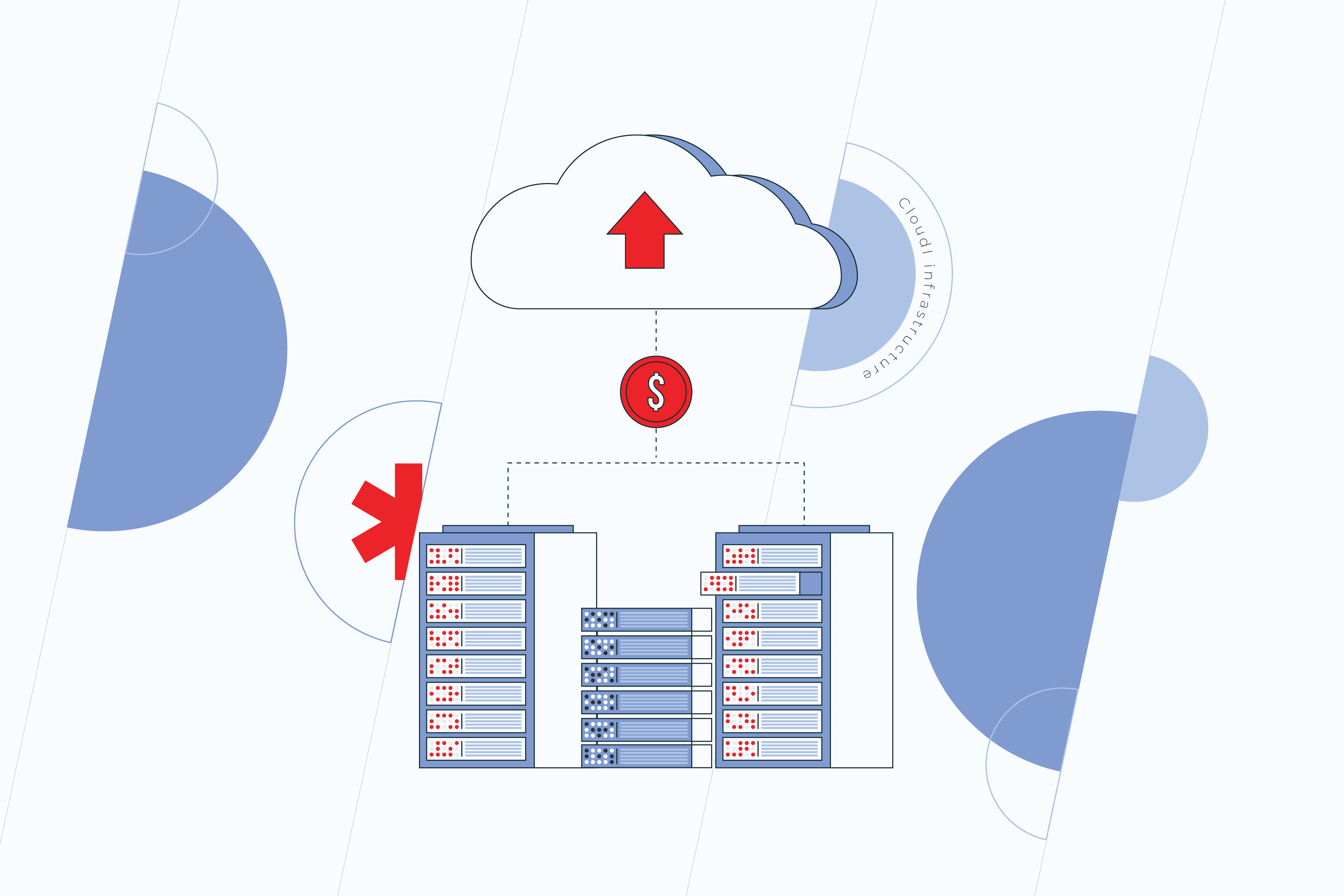
Cloud infrastructure

Cloud

These costs will include the hosting of your application in the cloud. Depending on the provider you use, this will vary. You may also find there is a variable scale depending on the side of your business and your specific needs. Your cloud migration provider will be able to deliver you a rough estimate of the costs associated with hosting.

Cloud migration

Now, let’s look at migration. Here we include all the IT costs, staffing or outsourcing costs, and other fee data.  For example, this can include the cost of data handling (your cloud provider may charge a fee), an outsourcer who is building your app, third-party staffing requirements, the workload of transferring your system to the cloud, and more. In addition, it may also include costs to keep running your current systems in parallel to the new ones until a full switch-over is completed.

Cloud maintenance

Think, “you’ve migrated to the cloud, and the job’s over?” Think again. Ensuring your cloud migration runs smoothly in the long term involves a little maintenance. In this section, you should include the costs for maintaining your systems. This may include integration, testing, on-going labor costs, admin fees, etc. It’s vital to account for these in your initial TCO analysis, so they don’t surprise you later. 

Stage 4: Weigh up your options

Now that you have all the data you require, it’s time to put it all together and weigh up your TCO analysis. Using qualitative and quantitative methods, consider how effective it would be for your business to migrate to the cloud. Does it make sense functionally, financially, and more importantly, does it fit your business model? In doing so, you will establish whether or not it is the right move for your company.

Final pearls of wisdom

Migrating a business to the cloud is an effective solution for many companies, but not all. When considering the move, it’s vital that you take into account the individual requirements of your company, and not just follow a trend. Instead, forge a path that is suited to your needs, and don’t hesitate to get advice from the experts before making the first move. After all, knowledge is power, and knowing the actual cost of ownership in advance can help establish if a move to the cloud is worth it. That’s why, before starting out the cloud migration journey, it’s essential you do a TCO analysis and learn the costs first.

5 Steps You Need to Take to Modernize Your Core Applications

Are you advancing your business using technology or simply trying to keep things chugging along smoothly? If you answered with the latter, then you’re part of the majority of companies whose IT investment primarily goes toward ensuring their services stay up and running. But what if there was a better way? A path to modernize your core applications while ensuring those essential components stay functional? There is, and below, we’ll tell you the ins and outs of why modernizing core applications is a business-need, challenges you may face along the way, and the five essential steps you need to take to do it right.

Challenges and roadblocks to modernizing applications

When faced with the question, “to modernize applications or not to modernize applications?” Many C-level executives and managers are reluctant to dive in and update, and rightfully so. There are a number of issues that should be considered before diving into any technology investment. Here are some of the challenges and roadblocks before even getting started.

Confusing information

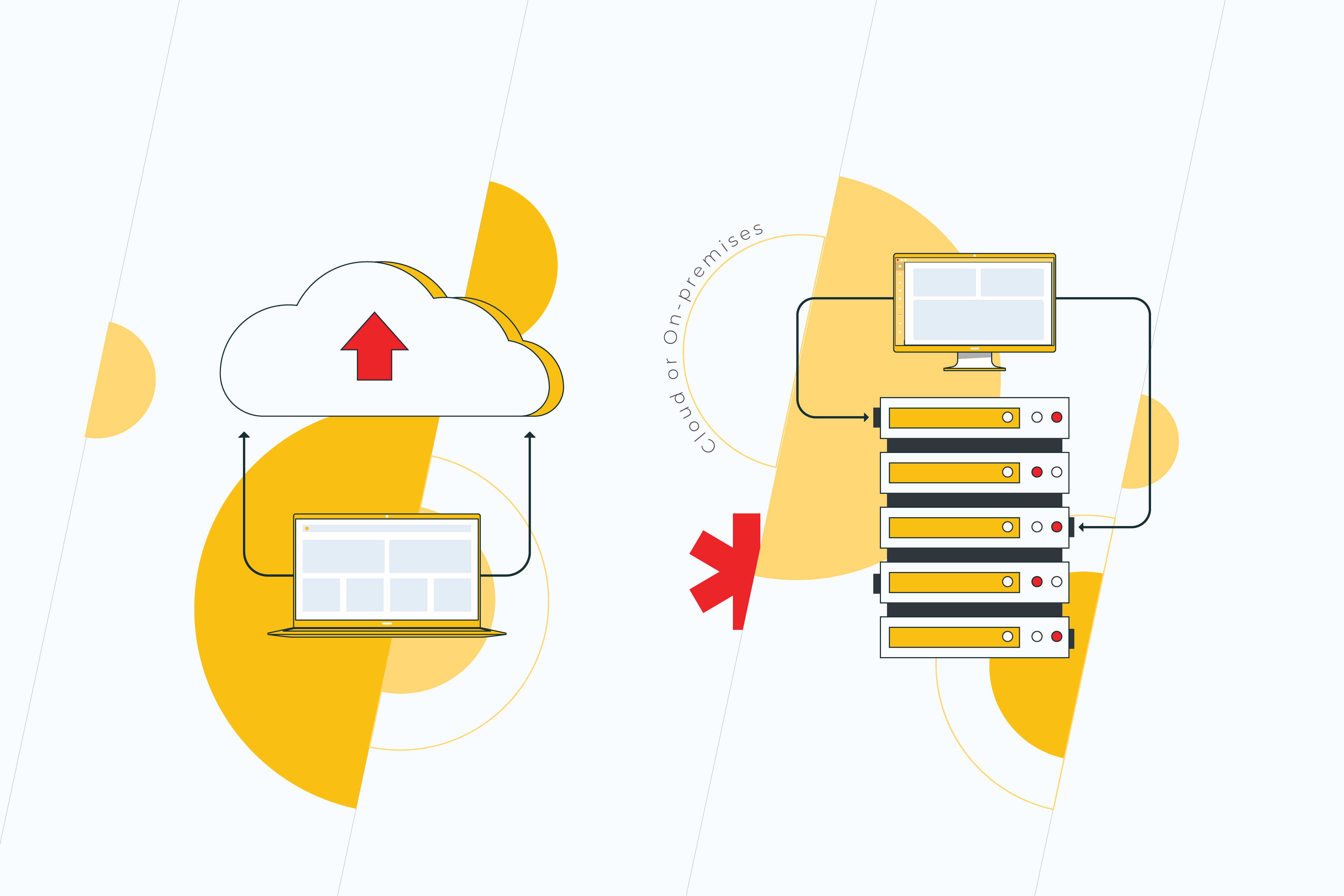
Cloud or on-premises? DevOps or traditional software development? In-house or outsource? These are just some of the questions that executives face when venturing into the modernization of core applications. Conflicting approaches create confusion, and this can be a roadblock in and of itself. That’s why before setting off, it’s essential to research first and act later.  

Legacy software

No matter what area a business operates in, it’s likely to have some technology already in place. And it is this very legacy software that forms the basis of your organization’s technical debt. While right now, it may seem that your current solutions function properly, in the future, they will become outdated, and the longer you haven’t updated, the more technical debt you will have incurred, making it harder to deal with. That’s why the golden rule when it comes to legacy software is “out of sight should not mean out of mind.”

Fear of the unknown

Unknown future

This stems from technical debt. Often, heading into modernization of applications process, it can be difficult to estimate the costs and results that will occur. One small change to a core application could potentially lead to the need to change further software, and eventually, these costs add up. That’s not to mention the risk that one piece of code could be essential to something else. That said, failure to update means fear of progression, and this is crucial to business viability in the long-term. 

Why do you need to modernize core applications?

In 2021, global businesses are predicted to spend $3.8 trillion on their IT needs, a growth of 4% from 2020. And it’s no surprise that the market is growing. In the wake of the COVID-19 crisis, more businesses are considering how technology can improve the services they offer. However, many still find themselves battling outdated systems, legacy software, and other issues along the way. In spite of the challenges, there are some compelling reasons to start investing in your technology stack now. 

Shift to remote-first

The Global Workplace Analysis Survey suggests that between 25-30% of roles could stay remote, even after COVID-19 restrictions end. What this means for companies is the investment in IT will increase to ease the process of at-home working. However, this doesn’t mean a loss in profit overall. On the contrary, it is estimated that a business could save up to $11,000 per year for an at-home worker as compared to in-office staff.

Improvements in the cloud

Improvements

Migrating to the cloud can seem scary, but there are some great benefits to doing so, including increased capabilities to managing data, reduction in storage costs, efficiency, and scalability. In recent years, cloud technology has improved immensely, allowing businesses to complete more processes remotely and securely.

The competition

This isn’t about keeping up with the Joneses. It is about ensuring that your business is viable long-term. The fact is if your competition is updating their technology, then you will fall behind and quickly. Staying ahead and making your business efficient means embracing appropriate solutions for modernizing applications. And this is especially vital when it comes to core applications. These are the backbone of your business. 

5 Must-do steps to modernize your core applications

Starting out on the application modernization journey can be confusing. That’s why we’ve created these five must-do steps to get you started on the right foot.

1. Analyze the current situation

Just as you start out on any venture, when beginning to modernize core applications, it’s vital you analyze and evaluate both your current software, what your competitors are doing, and which solutions will be appropriate for your needs. If you lack the in-house staff, then, at this stage, it’s best to engage some outside specialists with expertise in modernizing core applications to advise which is the best route to take. Break down this enormous challenge into more manageable steps, as you would do with any project. By doing so, the process will not seem so insurmountable, and your team will be better able to tackle the modernization. 

2. Plan and ask the right questions

Now that you have some understanding of what needs to happen, it’s time to dive deeper and ask the right questions about your application modernization. If you are working in-house, these questions should be dealt with by your IT team, or if you have chosen to outsource, your provider will advise you. Start by considering:

  • What concrete results do I need from core application modernization?
  • Is cloud appropriate for my business needs?
  • How will data be managed?
  • How will we verify if the application modernization process has been successful?
  • What happens if the scope changes during the modernization process?
  • How will existing applications be integrated with the newer ones?
  • How will we balance the investment in new technologies while dealing with legacy software?

Setting concrete aims and objectives and how you will achieve them creates a manageable pathway to success. 

3. Deal with tech debt

Yes, tech debt is tedious, and it’s likely those who wrote the original code for your applications have long left your company. However, keeping legacy software is no way to go about it. Alongside your team, it’s essential that you identify which areas of legacy software should remain as they are and which you will update this time around. By taking a gradual approach, you are better equipped to upgrading your technology and lowering the risks of any converse effects, such as bugs, from appearing. This constant approach to modernization allows you to update software on a continuous basis without affecting the overall business which may still be using legacy software. Attempting to upgrade everything at once often runs the risk of unpredicted consequences, including application downtime, bugs, and other blockers.  

4. Deciding between cloud or on-premises infrastructure

Cloud

Both cloud-based and on-premises software infrastructures have their benefits. Before you decide how to modernise your core applications, you’ll need to decide which infrastructure they will have. On-premises services offer in-house security, so you are always aware of where your data is and when it’s being accessed. On-premises services are often robust, which is necessary for some core applications. On the other hand, you will need the physical space to store such systems and will bear the maintenance costs. Meanwhile, cloud systems are often flexible and suitable for many-core application functions. In this case, you won’t be responsible for maintenance or storage. As an added benefit, cloud services often offer subscription-based plans allowing you to expand as needed.

5. Choose an approach to suit your business

The world of technology is constantly changing, and it’s likely your needs as a business are too. Engaging in an agile approach from the very beginning gives you the power to rapidly adapt to changes you need as a company. The agile approach means you constantly develop, test, and release software, getting it to the market faster. 

However, it’s not suitable for everyone. Some businesses may benefit from the transparent and linear process of the waterfall method, especially if they have a clear view of which particular updates they need.

Bonus: Don’t neglect security

No matter how you approach your application modernization, there is one element you can’t afford to skimp on—and that’s security. Ensuring the security of your customer’s data and that of your business is a priority and should be top of your modernization checklist. No matter which method you choose to upgrade, it’s vital that you and your team take this into account at all stages.  

The time to modernize is now 

When it comes to modernizing core applications, there is no one-size-fits-all solution. Instead, you will find that the solution you require is unique to your business. While similar approaches and software tools can be used across many enterprises, it’s vital that before you begin modernizing your core applications, you take the time to plan for the long-term. Starting out might seem daunting, however, as they say, the proof is in the pudding (of customer satisfaction).

Anna Vasilevskaya
AI modified real photo
Anna Vasilevskaya
Account Executive

Get in touch

Drop us a line about your project at
[email protected] or via the contact
form below, and we will contact you soon.