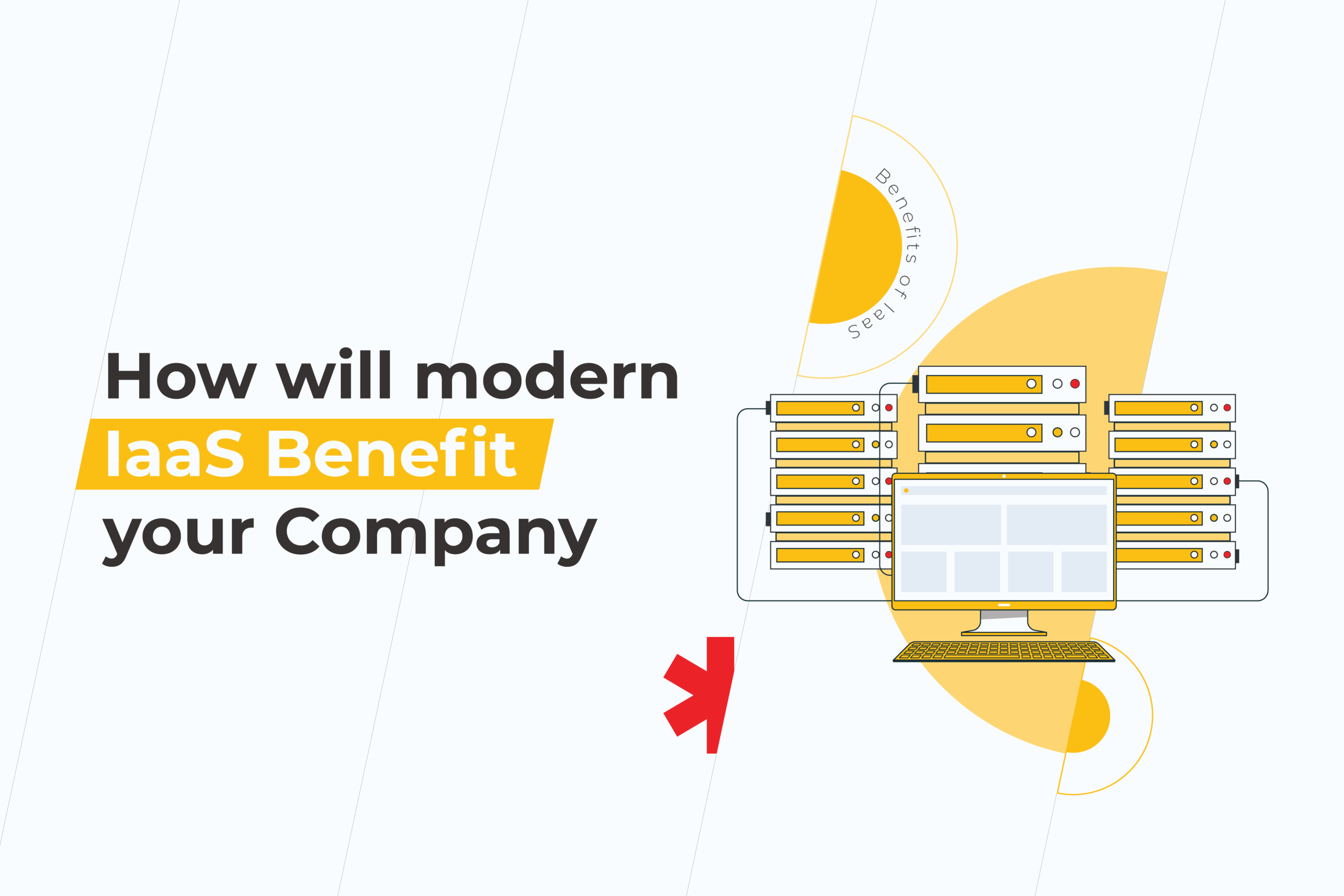
How will modern IaaS Benefit your Company

In recent years, IaaS adoption rates have been growing as companies increasingly invest in cloud technology. What does investment in cloud infrastructure entail exactly, and what are the real benefits of IaaS for a business? Join us as we uncover more of the benefits of infrastructure as a service (IaaS) and a little more about cloud services in general.

What is IaaS?

For many, the concept of cloud technology can seem elusive. Is it just a theoretical place where our data is stored, ready to be accessed at will? Well, yes, but it’s also so much more than that. 

IaaS stands for Infrastructure as a Service. It’s a cloud computing model that delivers a subscription-based service for fundamental compute, network and storage resources.

 This allows users to avoid the challenges of purchasing hardware and managing it. Instead IaaS empowers them to remotely manage: 

  • Servers and storage;
  • Networking firewalls and security.

In doing so, IaaS providers can also cover some additional functions essential for business. For example, the following infrastructure as a service benefits are delivered by the largest market players:

  • Ability to analyze big data. Another growing business trend, big data, is a key component of any company’s future plans. It allows a company to establish future trends or see patterns and associations that a human wouldn’t. IaaS delivers the processing power to make analyzing such massive data sets possible.
  • Computing performance like no other. Speaking of processing power, another infrastructure as a service benefit is its HPC—high-performance computing. Using supercomputers, computer grids, and more, IaaS is a problem-solving, pattern-identifying powerhouse. 
  • Data warehouse power. We may have moved away from physical filing cabinets, but that data has to go somewhere, right? Correct! IaaS delivers by providing the storage, backup, and recovery for all essential company data. This reduces the outlay of finding a storage space and costs associated with data. It’s also easy to access and thoroughly tailored to your needs. 

Benefits of IaaS
  • The perfect environment for testing and development. Trying to test out new products or software can be not only time-consuming but expensive too. Creating the environment to conduct these tests, especially so, that’s where the benefits of IaaS cloud computing come into play as testing and development scenarios can be easily set up and dismantled without any extra costs.   
  • Supports web-based apps. If you’re building a web app, you know it doesn’t exist in a silo. That’s why you’ll need a robust support system around it. The cloud-based infrastructure benefits web apps by providing storage, servers, and resources that let applications run. Its scalability capabilities act as a risk management tool by allowing this environment to grow or recede in line with business needs.  

Who are the key players in the world of IaaS?

Although you may not know it, you have probably heard of some of the most popular providers of IaaS. They include world-known names such as:

  • AWS 
  • Microsoft Azure 
  • Google Cloud
  • IBM Cloud
  • Oracle Cloud Infrastructure

But of course, there are many other great providers out there. What’s essential is to find one that suits your specific needs and budget.

What are other cloud-based systems out there?

Now you know what IaaS is and its cloud-based infrastructure benefits, let’s learn a little more about the ecosystem it fits into to avoid confusion. IaaS is a cloud computing service. It is one of many cloud services out there. But what are the others? Let’s take a look.

  • PaaS stands for a platform as a service. Think of it as the hardware and software that is created upon the canvas of IaaS. PaaS empowers users to create apps and services while reducing the need for admin processes. Some examples of PaaS include AWS Elastic Beanstalk, Windows Azure, Google App Engine, OpenShift, among others.
  • SaaS is short for software as a service. This is custom, ready-to-use software that is available online. Generally known as “on-demand” software, it offers wide distribution, flexibility in subscription, and accessibility. You are probably familiar with some of the most common SaaS solutions out there, such as Gmail, Slack, and Skype.
  • CaaS is an abbreviation of Container as a Service. What this is, is a contain-based system that helps companies deploy and manage apps and other computer services. Some of the most commonly used providers include AWS, Microsoft Azure, and Pivotal.
  • FaaS means Function as a Service. Essentially, this is a platform that lets businesses run, develop, and manage applications without the need to build their own infrastructure to do so. Some notable providers of FaaS include AWS Lambda and Azure Functions.

Although the various cloud services may sound similar, they are not the same. Depending on your business requirements, you may use one or more of these.

What are the benefits of infrastructure as a service, aka IaaS?

Time, money, labor. These are some of the top reasons that companies state as their motivation for switching to the cloud. But are there other advantages of infrastructure as a service? Let’s take a look at the top benefits of IaaS in cloud computing.  

1. Reduces TCO. Destroys capital expenses

No doubt that on the whole, IaaS is a cost-effective solution. Firstly, all upfront costs (i.e., data storage) are borne by a data center. Meanwhile, ongoing costs are worked out via a subscription model. All this means that often the TCO is reduced, making IaaS effective for a business. 

2. Boosts flexibility

One of the key criteria for a modern business is the ability to innovate and adapt to market changes quickly. This is one of the key benefits of scalability in cloud computing. By providing a flexible, scalable system, a company can more easily adapt and scale up quickly to meet market demands. And if those demands wane, then subscriptions can be reduced accordingly.

3. Minimizes the risks in stability and reliability

In today’s post-pandemic world, where we are still working remotely from all corners of the globe, disaster recovery (DR) and business continuity (BC) planning could not be more important. The real business benefits of cloud storage mean that your team can continue to work even if something happens at one physical location or nation. This makes your business infrastructure highly adaptable to change, so you can move if and when you need to. 

4. Support when you need it

As your IaaS is external and operated by a third party, you’ll always have support on hand to solve issues. This can range from troubleshooting problems to dealing with downtime and everything in between.  

5. Cuts the time-to-market

The benefits of stability in cloud computing are all well and good, but in today’s ultra-competitive market, one of the key factors of success is a fast time-to-market. Getting your product, service, or upgrade out there faster than your competitors gives you an edge. The stats show that a product that gets to the market more quickly makes 67% more profit over the next five years than one that is on the budget but late. 

6. More secure and efficient

As long as you have an appropriate service agreement (SLA), you’ll know that your data and everything surrounds it is safe and secure. More often than not, due to their scale and expertise, your IaaS provider can deliver better security than you can in-house, making it a solid choice. 

7. Allows you to focus on what matters

From dealing with customer service to ensuring that your team is the best that they can be, making the informed decision to onboard IaaS means you are freeing up your time to focus on more important matters.

Are there any challenges to IaaS?

Before making the cloud IaaS seem like too much of a cloud-9 dream, let’s take a look at some of the challenges. After all, no system is perfect. It’s all about finding the best one for your business. 

Any existing investments. If you have previously spent money on IT infrastructure, you may find that moving to the cloud could be more costly for you right now. If this is the case, undertake a complete analysis before moving to IaaS.

Vendor lock-in. When using a cloud-based system, you will become somewhat dependent on the cloud provider in terms of upgrades, maintenance, and other areas.  For each company, their level of service will be different, as your level of comfort control will be. That’s why you should always factor this into your analysis when choosing to switch to the cloud. 

Compatibility. If you’ve already started to modernize your business, you may find that moving to IaaS is a little more challenging than expected. Always check before you start how compatible your current system is with a move to the cloud.

Legislative restrictions. Remember always to read the fine print. Depending on your industry, you may be subject to specific regulations or security procedures. That’s why before signing up for any cloud system, it’s vital you check out the small print on security and data storage.

Push-back from stakeholders. Very often, it can be challenging for stakeholders to grasp the true benefits of IaaS. That’s why, when it comes to investing in new technology, it’s vital you have a compelling argument complete with the actual benefits for your industry. 

Downtime concerns. Moving to the cloud is never simple, and some downtime is expected. But for a business, this can be scary. That’s why it’s vital that you know going into the cloud migration process how long that downtime will take and what’s your backup plan if things run longer than they should.

Lacking cloud expertise. Many companies shy away from onboarding IaaS technology for one reason—they don’t know enough about it. That’s why it’s vital to start the IaaS migration process to inform yourself as well as possible and get the right specialists on hand who can explain all there is to know from A to Z.

How to set up a modern infrastructure for your business?

Need professional help with adopting cloud technology?

Developing a cloud adoption strategy is a vital step forward for your business. And considering the benefits of IaaS in cloud computing, it should definitely be a key part of it. But what steps can you, as a business owner or manager, take to reap the benefits of IaaS for themselves? 

  • Analyze. At this stage, it’s vital that you define and create a document detailing your motivations for IaaS. Why is it vital to your business, and how will it add value?
Benefits of IaaS
  • Go deeper. Now let’s look at the business outcomes associated with IaaS, in which ways will it affect your business for the better, and in which areas? Meeting with other executives at this time can give you a more comprehensive viewpoint.
  • Make a case. Now it’s time to put all your research together. Include financial models such as TCOs, and the motivations behind your suggestion to present to management.  

Once you’ve completed these three steps, you’re almost ready to get started with upgrading to IaaS. By aligning the technology with your motivation and requirements, you can design and implement a successful IaaS project within your company.  

Get the benefits of IaaS for your business

Wanting to reap the benefits of IaaS for your business? Good choice. After all, with cost reduction, flexibility, and efficiency as some of the main Infrastructure as a Service benefits, it’s no longer a question of if you should consider a cloud-based infrastructure. It’s when. 

IaaS cloud computing is the future, but we know that taking that first step into innovation can be challenging. That’s why it’s important to do it right. Save yourself a headache and some cash by making sure you migrate the right way — backed by a team of cloud professionals ready to take on any challenge and get it right!
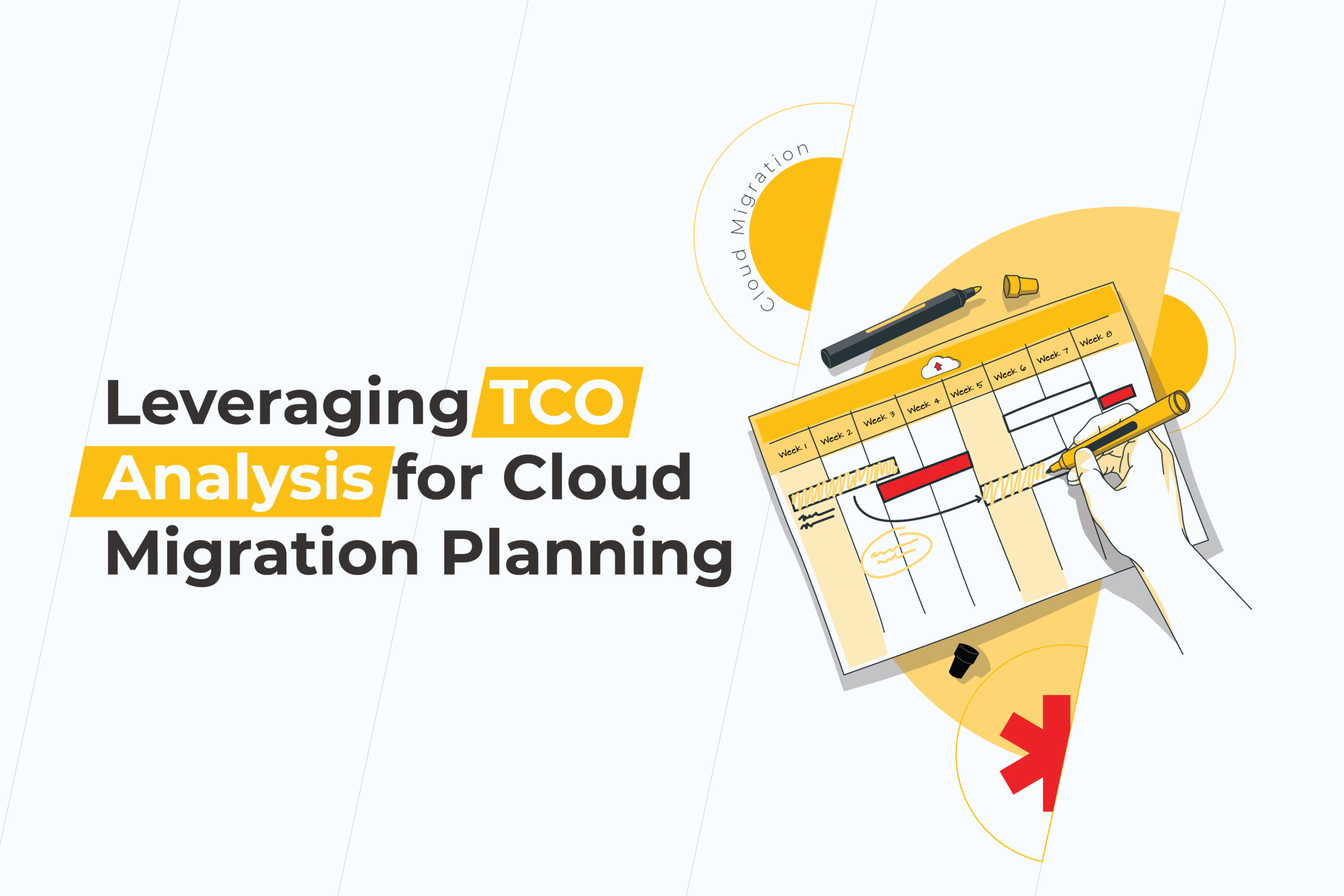
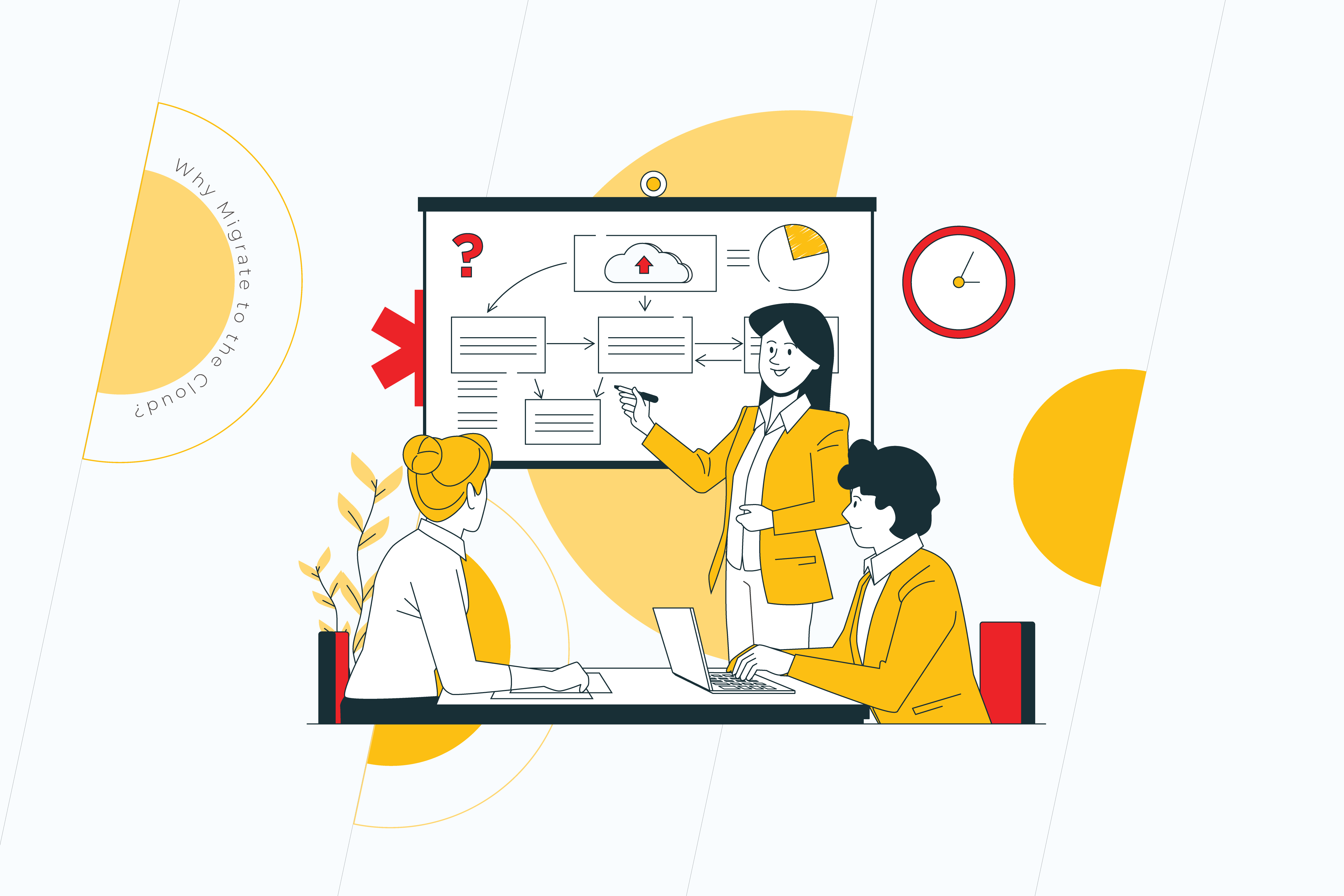
Leveraging TCO Analysis for Cloud Migration Planning

If you’re thinking about migrating your business to the cloud, the first thing you need to do is create a cloud migration project plan. But what is a cloud migration plan, and where to start? 

Below we’ll take you through some of our helpful hacks and top tips for cloud migration, including what a TCO analysis is and why it’s a must for your cloud migration plan. But first things first. 

What is a cloud migration plan?

A cloud migration plan is a strategy developed by a business to help migrate, or, in other words, move its data, applications, and more, from physical data-storage facilities to a cloud architecture. 

This plan should detail and analyze the processes, strategies, benefits, challenges, and costs of a cloud migration move, making it straightforward for all parties involved and ensuring the decision to move to the cloud is the right one for the business.

A cloud migration plan is the first step in a successfully accomplished cloud migration project. After all, one does not simply migrate to the cloud in one day.

How to create a cloud migration plan?

For businesses first approaching the cloud planning and migration process, it can be challenging to know where to start. After all, you’ve probably heard that “migrating to the cloud is great for businesses,” so that must be the case, right? Well, not quite. 

Cloud migration is suitable for many companies, but not all. Putting in place a realistic, well-developed cloud migration plan can help you establish if this is the right move for your business, how much it will cost, and how to do it right. 

How should the cloud migration process look?

1. Answer the why

TCO analysis

Don’t just go with the cool crowd. When choosing cloud migration, it’s vital that you do so because it’s right for your business. Answering the “why migrate to the cloud?” question helps you establish the qualitative benefits of migration and why it could help your business become even more efficient.

2. Know the costs

Almost any business decision will essentially incur payments. And cloud migration is no exception. A cloud migration cost analysis will help you plan the spendings in advance, so there are no unpleasant surprises and overheads later. We recommend carrying out a TCO analysis, otherwise known as a Total Cost of Ownership analysis. It embraces project’s capital expenses, indirect fees, and operational costs that will assist in making the right decision within your long- or short-term business goals.  

But why not just set out the immediate costs instead? Doing a cloud TCO analysis gives you the ‘bigger picture’ of your cloud migration. The primary costs may seem daunting, especially if you’ve had to bring a team on board. However, overtime costs should even out, giving you long-term benefits.

3. Get the knowledge

Just like you wouldn’t try to install a sink if you’re not a plumber, no one expects you to undertake a cloud migration or even a plan on your own. If you already have an in-house team who are up to the challenge, great! If not, it’s time to bring in the experts. Getting the right people on board early will save you in the long-term and help avoid any costly errors. 

Do you want to make your cloud migration process smooth and seamless?

Our top helpful hacks for your cloud migration plan

Over the years, we’ve experienced all types of cloud migration trials and challenges that are pain points for our clients. Here are our top tips for getting your cloud migration planning off to a flying start. 

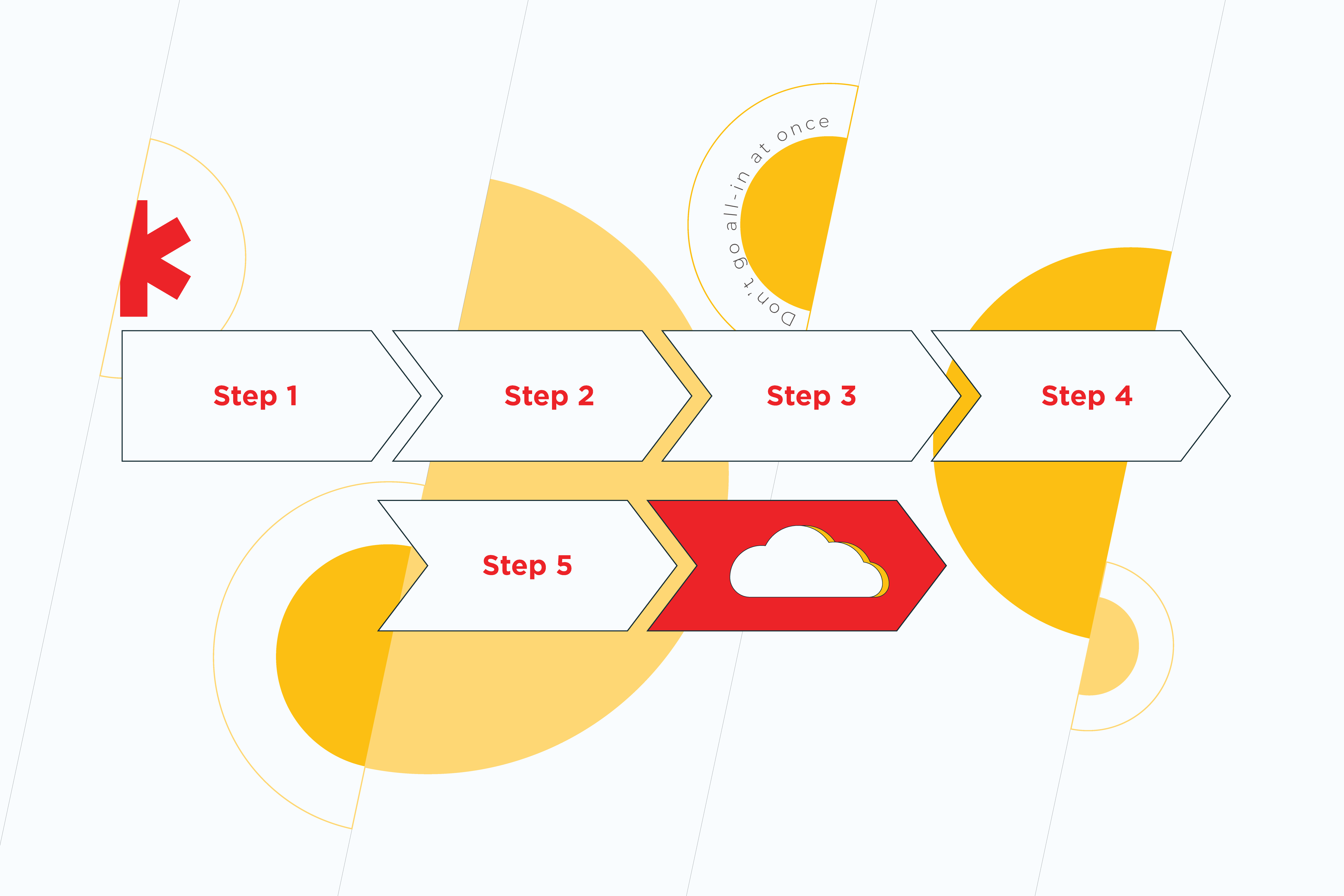
1. Don’t go all-in at once

TCO analysis

No, this doesn’t apply to how much of your business you wish to migrate to the cloud. Instead, what we mean is don’t jump in at the deep end. If you are unsure about how to migrate your business to the cloud, take a gradual approach and consider all your options carefully. It’s better to go slow and steady to avoid costly errors than to try to fix them on the go.

2. Expect the unexpected

Very few cloud migrations go exactly to plan, and that’s to be expected. So, as we always say, “expect the unexpected.” This way, you can prepare for the challenges along the way. Completing risk analysis to detect potential risks and a TCO analysis to highlight hidden costs can help you migrate some of these risks on your cloud migration journey.

3. Embrace the process

How we store data and do business is changing. More and more companies are switching to the cloud. While this process can be scary, it’s vital that you embrace it fully as part of the long-term strategy of your business, not “just something the tech guys do,” to get the most out of your migration. 

Ready to migrate? Great!

Starting out on your cloud migration planning journey is exciting, but it’s also a daunting task too. When you are ready to begin, it’s vital that you go back to basics and evaluate and plan your cloud migration down to a tee. Need some help with cloud migration cost analysis? Drop us a message. 

Using Cloud To Reduce TCO: 7 Benefits Of IaaS Of The Cloud Technology

Since the use of cloud computing is still relatively new today, many enterprises are afraid to adopt such solutions. For companies with already installed IT departments and equipment, the transition to cloud configuration seems quite inconvenient. 

Cloud computing has been introduced to businesses to lower the total cost of ownership and increase ROI while meeting IT service needs. 

While there is still no definitive formula for calculating the exact internal labor savings generated by using IaaS, identifying the underlying factors in this area can help organizations reduce their infrastructure’s total cost of ownership (TCO).

Benefits Of IaaS For Reducing TCO

There are more reasons for moving to the cloud than you might imagine: good flexibility, lower costs, and better control are just a few benefits. Understanding precisely what advantages apply to your business will help you make the right decision.

1. Cost savings

Reduce TCO

The most known advantage of using the IaaS model is that it can provide you with lower infrastructure costs.

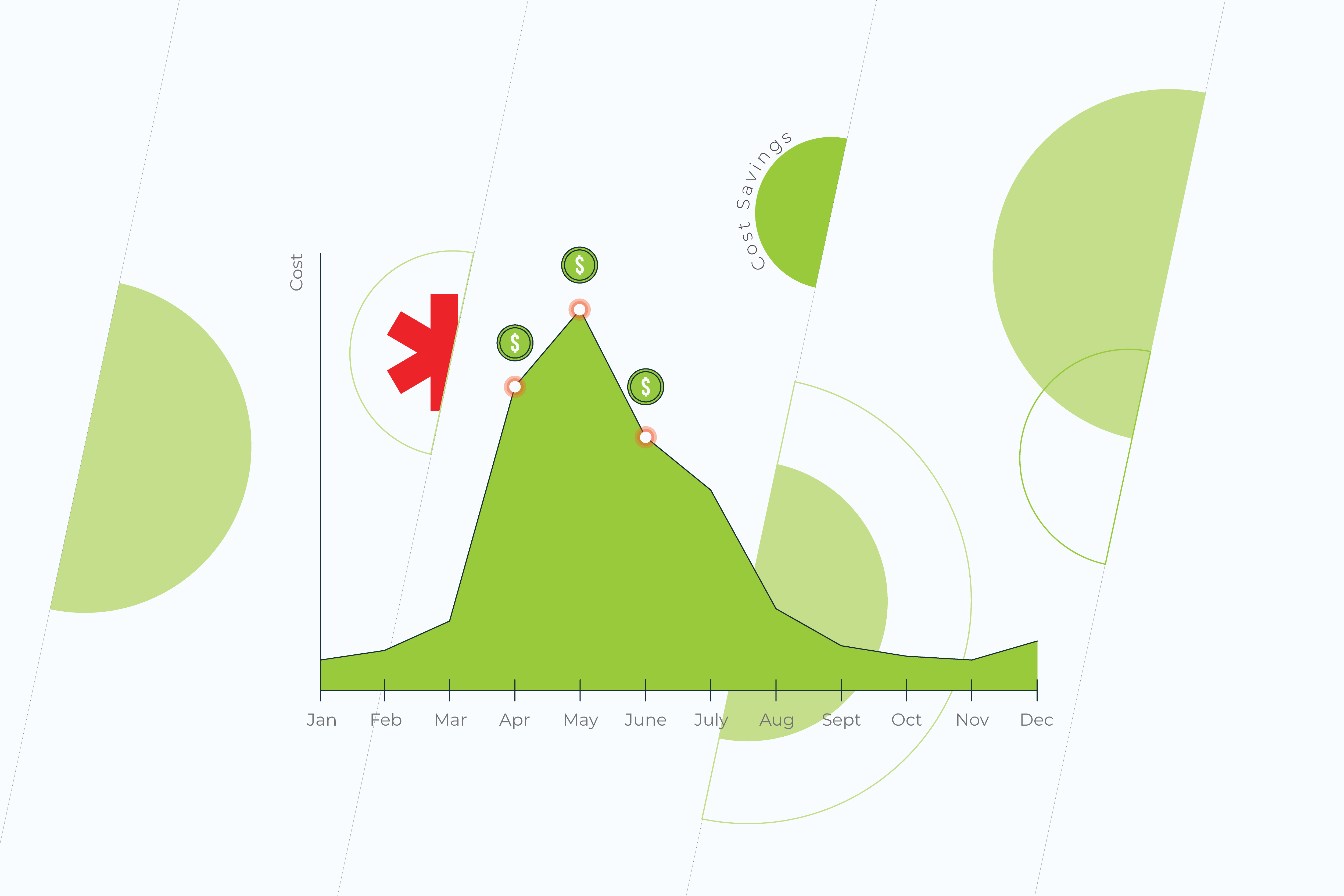
This way, you no longer need to service your hardware or network equipment since it’s usually a pay-as-you-go model; you only pay for what you use.

In other words, instead of paying for maximum capacity, you will only pay for it when you really need it. This may only be a couple of months a year, depending on when you have peaks in demand.

2. Flexibility and efficiency

By using cloud computing solutions, you have the opportunity to achieve ROI by dramatically reducing your initial investment. Operating expenses are a large part of the IT budget, with the flexibility to reduce costs during periods when the operating load is lower.

What’s more, the flexibility to scale up and down quickly in response to demand gives you a much more agile business.

3. Maintenance

Another huge advantage of cloud computing technology is the reduced cost of onsite server maintenance. Thus, when an organization uses the cloud, it can lower its total cost of ownership by reducing the cost of hiring onsite technicians and the total cost of maintaining servers and the space they are in.

4. Operational complexity

It’s an additional way to reduce total cost of ownership using cloud. Infrastructure is not always just equipment. For everything to work smoothly, you also need a team of skilled workers for your day-to-day work. IaaS easily solves this issue by outsourcing it. So instead of spending a lot of time recruiting new talent and keeping them updated, you can rely on the expertise of your cloud provider. They take responsibility for fixing vulnerabilities, securing and configuring the network for you, allowing you to focus on your business.

5. Reduced development time

One of the main reasons for moving to the IaaS of the cloud is that you can quickly build and deploy a flexible and scalable infrastructure.

Using the cloud, you will not need to spend a lot of time creating a new product. The cloud allows you to allocate X number of virtual machines and the amount of storage, and you can do that in a couple of days or hours. You no longer have to spend your resources since you can upgrade to IaaS.

6. Security

Security

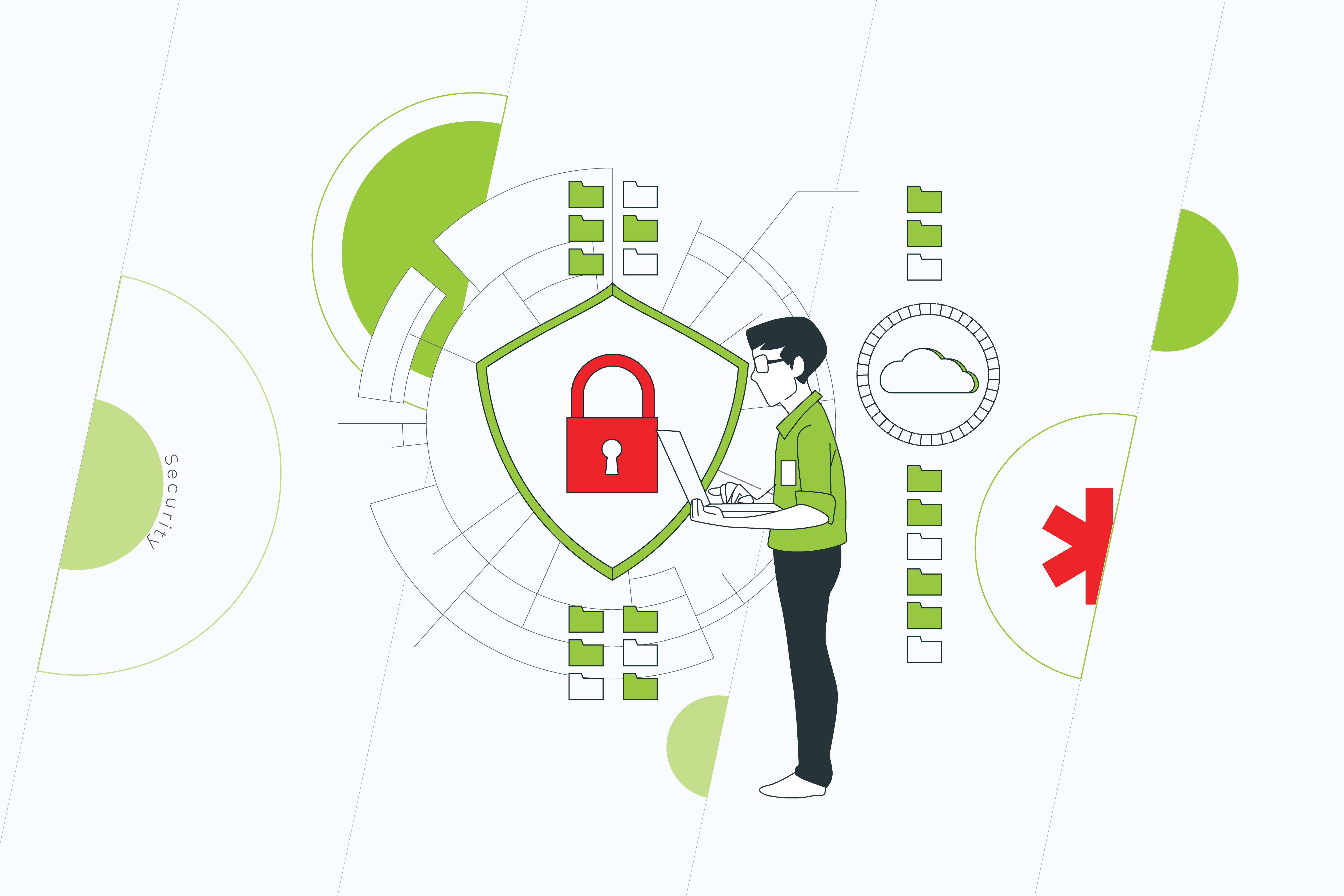
Many IaaS cloud providers invest heavily in security operations to ensure the reliability of the data they manage. This also includes additional protections such as end-to-end encryption and dormant encryption for private and sensitive data.

7. Speed

Leveraging IaaS can help you dramatically increase business agility, and reduce time to market. Businesses using the cloud to reduce TCO can quickly target their freed-up internal workforce, save money, and avoid the expense of finding new customers and market opportunities.

Reduce TCO with cloud right now

Of course, most organizations today have already seen the tremendous benefits of the cloud. Switching to IaaS is one of the best ways to get the results you want. By creating an efficient and flexible environment, you can quickly adapt to changing clients’ needs while reducing TCO.

By leveraging the cloud and implementing it into your strategy, you will also increase agility, speed, and innovative capabilities so you can quickly respond to any changes in the business environment.

Do you want your business to be ready for changes in the business environment?  
Contact us!

Migrating To the Cloud? Here’s Why You Need a TCO Analysis First

Deciding to migrate to the cloud is a huge step for any business. It can help improve efficiency, meet the growing demands on a company, and boost productivity. But before you start, there are a few things you might want to consider first, such as costs and the actual benefits of cloud migration. However, calculating these expenses is not always as simple as it seems. Using a TCO analysis can help you take into account the operational and indirect costs and benefits of migration. 

What is a TCO analysis, and what does it include?

TCO analysis stands for Total Cost of Ownership analysis. It is a tool used by businesses to understand the overall cost of a business action — in this case, migration to the cloud — as compared to the short-term purchase price. A TCO analysis takes into account various costs, including the capital, operational, and indirect expenses, to see how worth it that purchase is. Let’s break it down a little more.  

Capital expenses

These are the expenses that come before any initiation of cloud migration. This includes both the hardware and software required to complete the cloud migration. For example:

  • Hardware or software for the server
  • Installation and integration of the hardware with current systems
  • Workstation hardware and software
  • Warranties and licenses
  • Compliance costs
  • Migration costs
  • Costs related to risk (security vulnerability, upgrades, future licensing issues)

Indirect expenses 

These are unexpected expenses that could occur when you migrate to the cloud, such as effects felt by errors in the external cloud system. For example, indirect expenses can include:

  • Labor and repair time
  • Downtime
  • Time-to-market delays
  • Software updates
  • Delays on the side of the provider

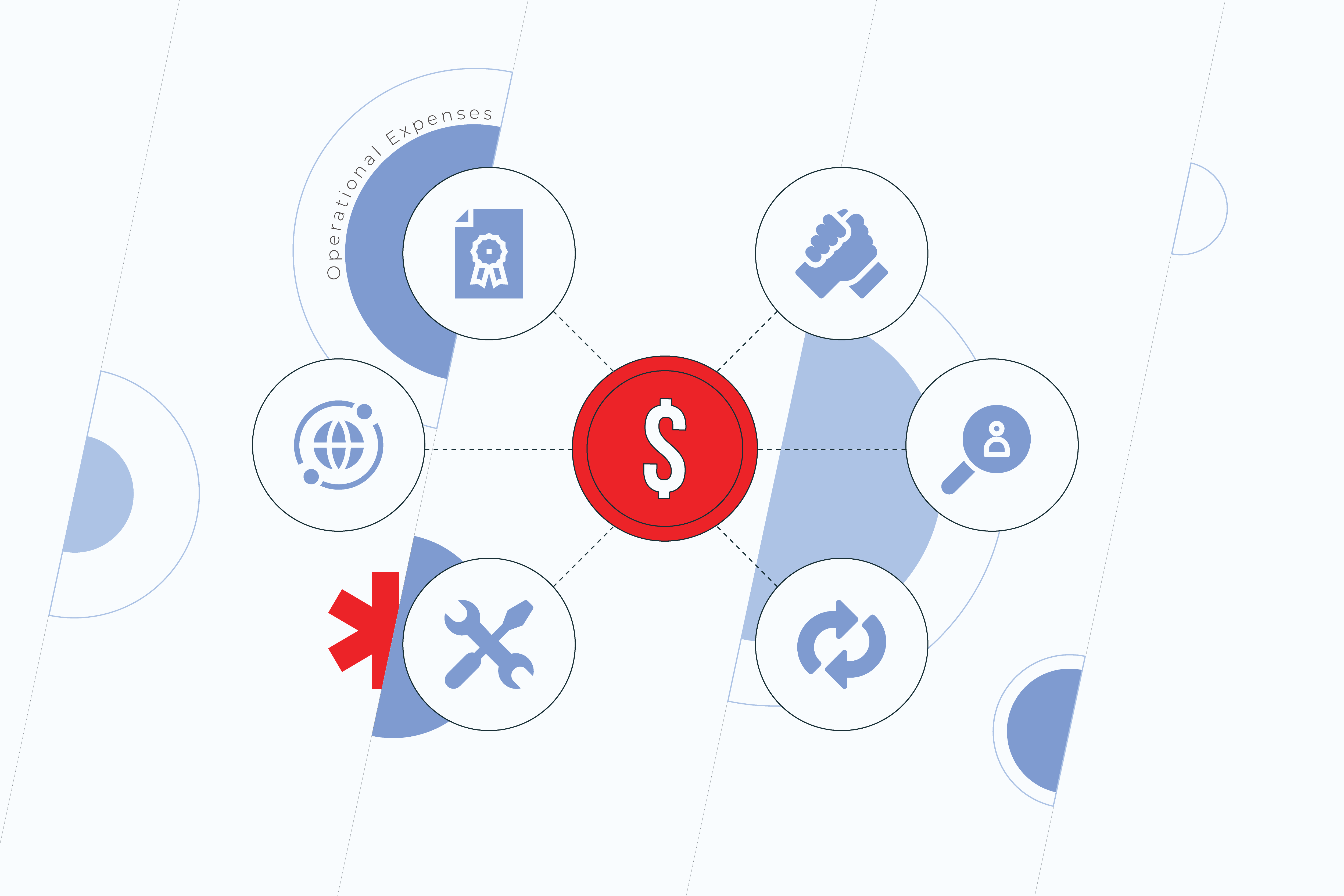
Operational expenses

Cloud migration

These expenses are all about how much it will cost to keep your cloud system up and running in the long-term. It includes any software and hardware upkeep costs. For example, these costs include:

  • On-going licensing costs
  • Support costs
  • Contracts and hiring
  • Software update costs
  • Warranties and repairs
  • Network connections

How to do a cloud TCO analysis (with TCO analysis example)

Below we’ll outline some of the key stages in completing a cloud TCO analysis. Here you will start to understand the processes behind a TCO analysis and what to do to determine if cloud migration is worth it for your business. 

Stage 1: Audit your current IT infrastructure 

To compare the costs of cloud migration, you first need to understand more about your current IT systems and what they do. That’s why it’s time for an audit. 

Collect and compile all the data you have about your current IT assets. Remember to include:

  • Specifications
  • Processes
  • Performance data
  • Network connections
  • Systems and servers
  • Security
  • Data
  • Etc.

By jotting down what you have now, you will gain a deeper understanding of your current capabilities and limitations. 

Stage 2: Review & calculate your current costs

Now that you know your current systems and their capabilities, it’s time to crunch some numbers. At stage 2, we’ll look at the direct and indirect costs you are currently facing. For example, direct costs can include server costs, storage, IT staffing network connectivity, etc. which your business is directly responsible for. Often direct costs are predictable as they occur every month. 

On the other hand, indirect costs encompass how much downtime costs your business, worker productivity, customer satisfaction, and loyalty rates, etc. these costs are often more subjective, so you may find yourself speculating a little here. But, if in doubt, always err on the side of caution.

At this point, depending on your needs and company, it may be helpful to gather feedback from other teams, such as marketing, customer support, finance, others. This gives you a better understanding of the bigger picture of how your cloud migration will affect the entire company, and if any potential issues could arise in any particular department.Having a more comprehensive picture from various teams helps you develop a clearer plan for what is currently being spent across the board and what may be needed in future. 

Remember to include all costs here, even if they seem insignificant. For example, you may consist of employee overtime used to fix a broken server or even lost revenue of a dissatisfied customer. How much do these really cost your business? 

Stage 3: Contact a migration provider & get a quote

If you have the means and capabilities to migrate to the cloud in-house—great! In this case, your team will be able to estimate the following costs for you, and you can reach your decision from there. However, for many, this is not a reality. That’s why, at this point, it’s time to contact the cloud migration specialists. 

In taking into account the costs of cloud migration, it’s vital to consider the indirect and direct costs for infrastructure, migration, and maintenance. So, what do these entail?

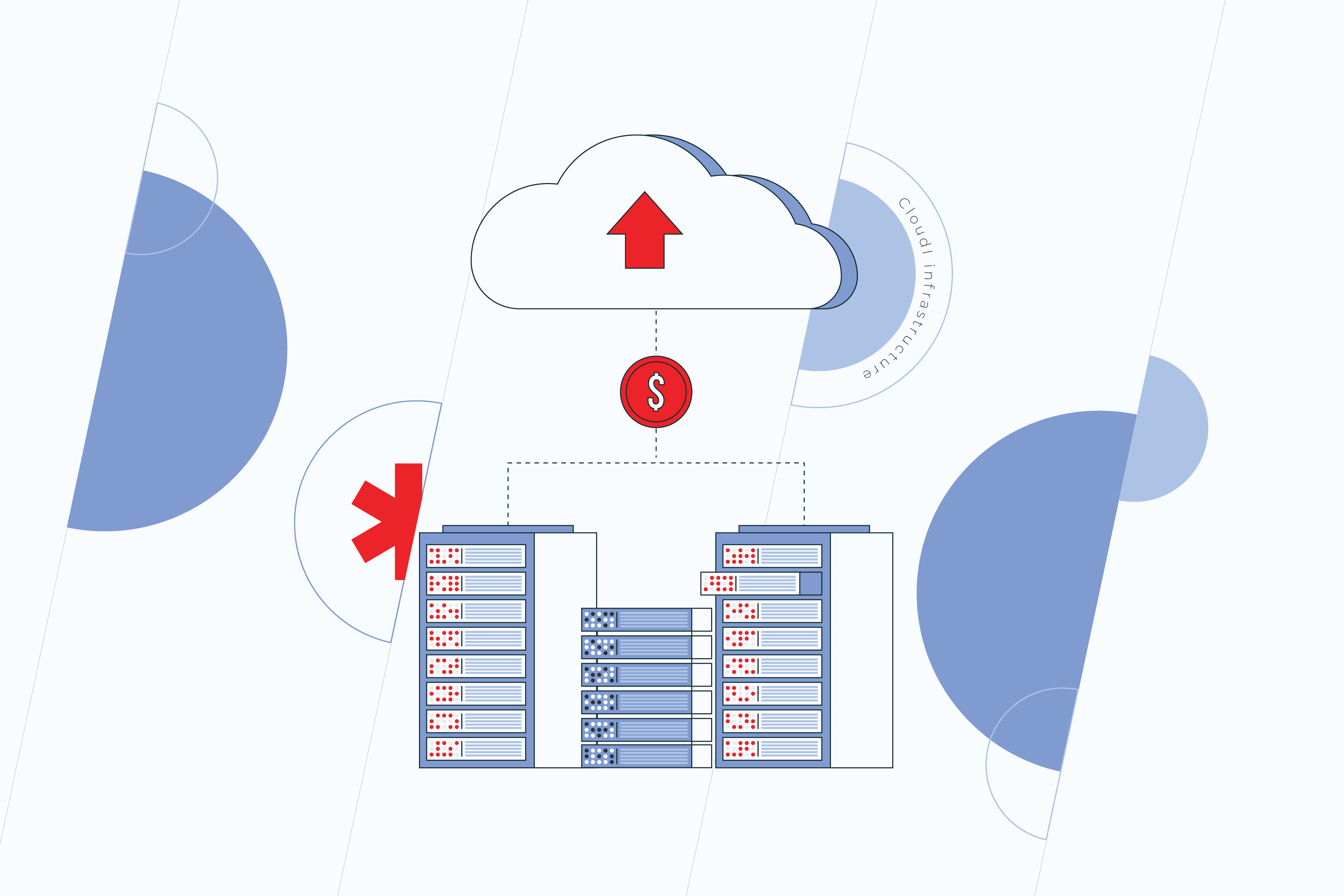
Cloud infrastructure

Cloud

These costs will include the hosting of your application in the cloud. Depending on the provider you use, this will vary. You may also find there is a variable scale depending on the side of your business and your specific needs. Your cloud migration provider will be able to deliver you a rough estimate of the costs associated with hosting.

Cloud migration

Now, let’s look at migration. Here we include all the IT costs, staffing or outsourcing costs, and other fee data.  For example, this can include the cost of data handling (your cloud provider may charge a fee), an outsourcer who is building your app, third-party staffing requirements, the workload of transferring your system to the cloud, and more. In addition, it may also include costs to keep running your current systems in parallel to the new ones until a full switch-over is completed.

Cloud maintenance

Think, “you’ve migrated to the cloud, and the job’s over?” Think again. Ensuring your cloud migration runs smoothly in the long term involves a little maintenance. In this section, you should include the costs for maintaining your systems. This may include integration, testing, on-going labor costs, admin fees, etc. It’s vital to account for these in your initial TCO analysis, so they don’t surprise you later. 

Stage 4: Weigh up your options

Now that you have all the data you require, it’s time to put it all together and weigh up your TCO analysis. Using qualitative and quantitative methods, consider how effective it would be for your business to migrate to the cloud. Does it make sense functionally, financially, and more importantly, does it fit your business model? In doing so, you will establish whether or not it is the right move for your company.

Final pearls of wisdom

Migrating a business to the cloud is an effective solution for many companies, but not all. When considering the move, it’s vital that you take into account the individual requirements of your company, and not just follow a trend. Instead, forge a path that is suited to your needs, and don’t hesitate to get advice from the experts before making the first move. After all, knowledge is power, and knowing the actual cost of ownership in advance can help establish if a move to the cloud is worth it. That’s why, before starting out the cloud migration journey, it’s essential you do a TCO analysis and learn the costs first.

How to leverage the Cloud for the financial industry

With technological progress and the pandemic’s impact, phenomenal levels of digitalization have been taking place in every industry before our eyes. The financial sector is no exception. Traditional, pre-lockdown patterns can no longer keep pace with customers’ fast-evolving needs.

Indeed, cloud adoption has become a real game-changer for financial organizations. It helps them ease their operations, function more efficiently, and delve into generation-defining technological capabilities such as blockchain, AI, etc.

After decades of on-premise data storage, financial institutions leaders have finally got ready to leverage numerous benefits of cloud computing. 

SECURITY

Security is a major concern for financial institutions, as the data they carry turns out to be the target for cyber criminals more often than in any other industries.

For most people, who are not that big of technology nerds, it’s difficult to accept that ‘somewhere out there’ there’s ‘something’ you can trust more than your inner systems. However, that’s true.

Within a traditional on-premise IT set up, the odds that your system will be brought down by a cyber attack are obnoxiously high. Meanwhile, cloud service providers take major responsibility for the protection of the data, applications, and infrastructures involved in cloud computing. Not only do your operations become more secure. It’s also your data that is backed up to multiple servers so there’s no chance that it’ll be gone forever because of a security breach or a natural disaster.

DATA STORAGE 

Financial institutions generate incredible amounts of data. Millions of clients’, investors’, vendors’ contacts, which have to be sorted out and stored within a CRM or other database. To be able to keep all this information, you should either ramp up the hardware (which doesn’t seem to be all that great of an idea) or host your database in the cloud. Cloud technology allows you to store as large an amount of data as you want and scale up and down according to your needs.

BIG DATA

Big data is a great opportunity but also a huge stumbling block for financial service firms. The thing is, it’s relentlessly growing.  Eventually, your on-premise systems won’t be able to handle the volume of data and keep up with the rapidly increasing analytics requirements. In such a case, it’s time for your big data to go to the cloud. The cloud can help process and analyze big data faster, leading to insights that can improve your products and business.

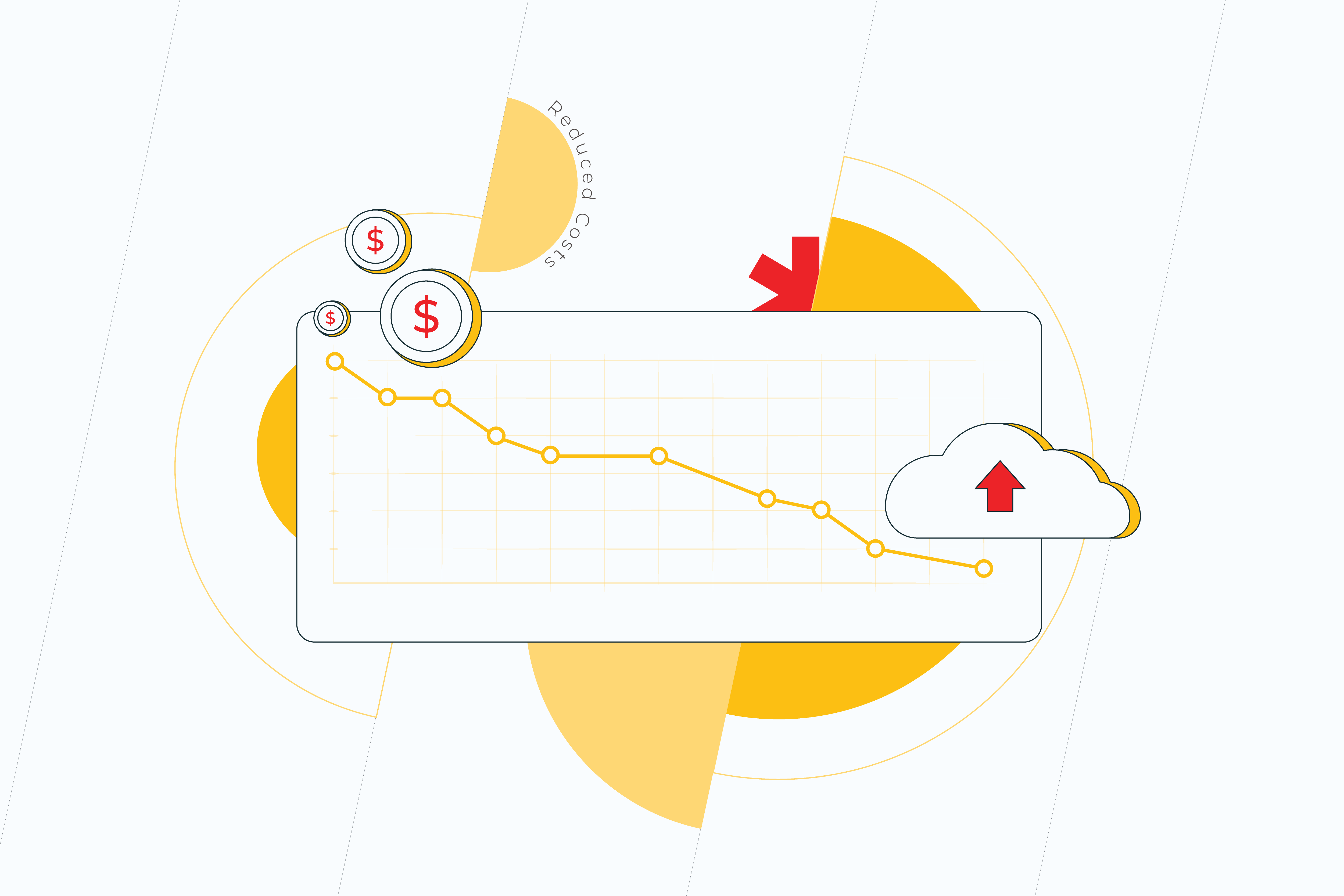
REDUCED COSTS

Having the infrastructure on site means investing heavily into it. Cloud technology allows to cut down on those investments by:

  • reducing maintenance costs. Expenditures, spent on running and managing your own servers, are often unanticipated. Whereas cloud service providers fulfil your needs for a fixed price. At the same time, cloud pricing is dynamic – it depends on an increase or decrease in required computer capacity and facilitates granular spending control.
  • saving energy. Your in-house servers might not be used optimally. As a result, energy consumption continues to increase. Cloud computing, on the contrary, is way more efficient in terms of utilization and consumes less power.
  • not dealing with IT issues. After moving to the cloud, you won’t have to worry about specialists to deliver your  IT needs. That’s what your cloud service provider will take care of. So you either don’t need to host your own IT team at all or you can redirect the existing one to work on other business areas.
  • eliminating redundancies. To keep things up and running single hardware is not enough. There has to be an alternative one you can rely on in case the system fails. Not only buying additional hardware adds to overall costs, but maintaining it on a regular basis is not cheap as well. Using cloud technology seems to be a better option since cloud service providers typically depend on multiple data centers and ensure resiliency by replicating your data.

REGULATORY COMPLIANCE

Meeting ever-changing regulatory requirements is a raw subject matter for financial institutions and, at the same time, critically important.

Regulations in the financial service industry are increasing. Banks are spending a lot of money and effort to make sure they’re compliant with the industry standards. New regulations require firms to collect, store, process, and report more detailed data across multiple sources. 

This is more easily done with flexible and accessible cloud data management.

Cloud vendors take very strict measures to guarantee that in financial services, compliances are not violated by either party. 

BETTER CUSTOMER EXPERIENCE

Consumers continue to expect much from their financial institutions. This is especially true when it comes to service. Many want a more personalized experience. 

To provide it, firms have to get and analyze feedback from the customers easily and without delay, convert this information into insights, and adjust their products based on customers’ reactions. 

Cloud computing makes the process of developing and launching new products easier and quicker, which is extremely important for the industry, notorious for being slow at meeting customers’ requirements.

Embracing cloud technology is the first step towards a fast-moving digital future of Big Data and AI solutions. Solutions that will help financial companies become more efficient and customer-centric than they have ever been able to imagine.

Moving to the Cloud: The Future of Manufacturing

“If you want something you’ve never had. You must be willing to do something you’ve never done.” What Thomas Jefferson said around 300 years ago seems to be perfectly applicable to any of today’s businesses. Do you want to prosper and take advantage over your competitors? Go right ahead, then! Get out of your comfort zone! Well, that’s easier said than done, Mr. Jefferson. 

There are industries that value their legacy (pun intended) more than others. Their comfort zone is limited to the decades of tradition. Manufacturing is one of these industries. Manufacturers still rely on people more than on the machines. However, the Covid-19 pandemic with its social distancing and remote work has revealed the importance of embracing machine-to-machine technology. Cloud computing turned out to be the best – and obvious- solution in facilitating agility and digitalization at factories.

As completely natural as your desire to leave everything the way it is may be, traditional systems are ill-equipped to meet the requirements of today’s market. So, if you’ve been waiting for a sign to make a shift in your mindset and technology, this is it. On-premise platforms cannot keep up, with the growing complexity of modern manufacturing, constantly shifting customer demands, fast access to business and operations data. That is to say, with everything cloud technology can provide. 

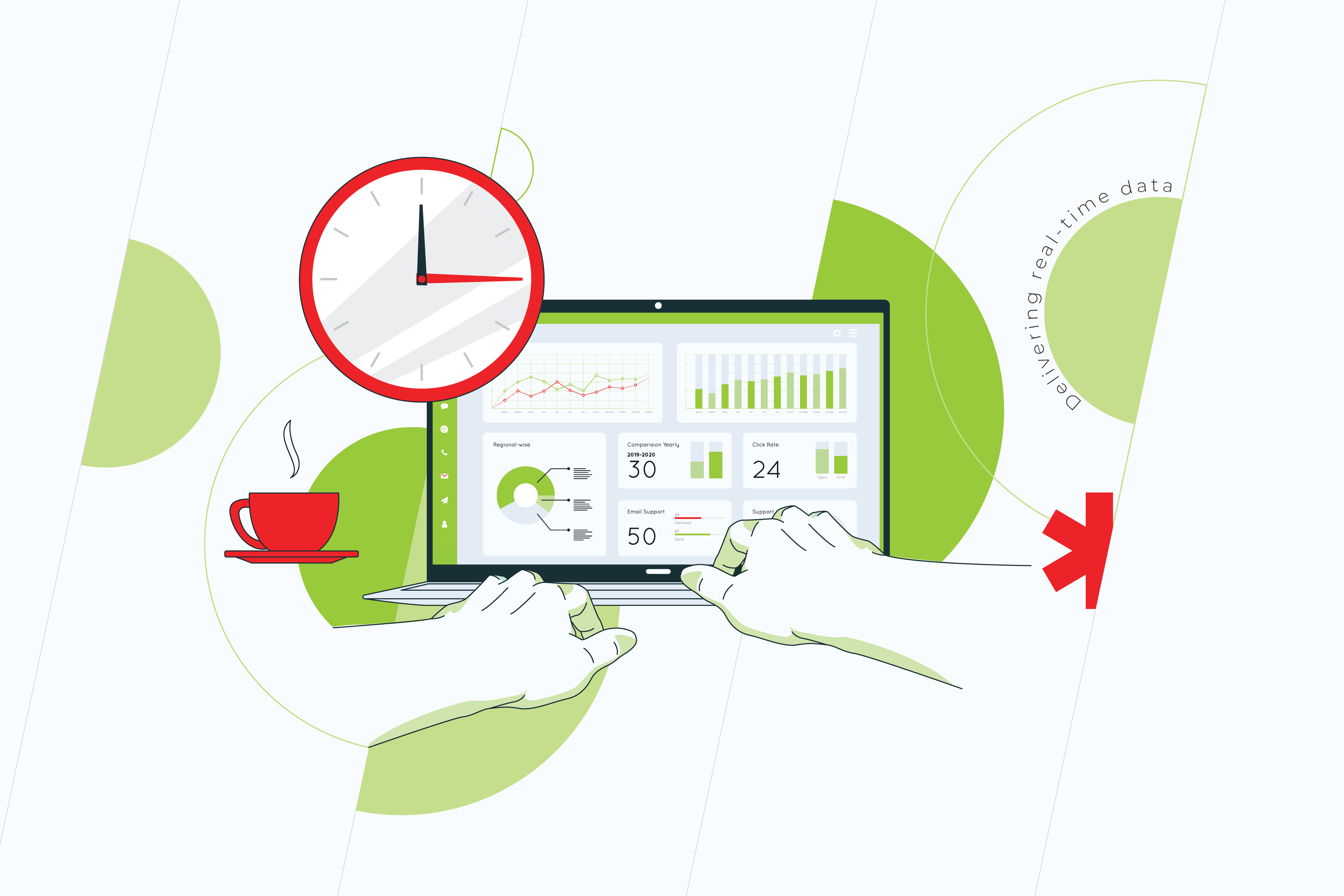
Delivering real-time data

Managing processes and making decisions on the basis of last month’s performance will never be adequately effective. Meanwhile, a current and complete view of the information from across your organization will improve your decision making. For example, real-time visibility of machine output and performance can help to improve asset management and avoid downtime, and the visibility of stock helps to set relevant tasks that lead to optimal production rate.

Operating with a single and real-time source of truth, you’ll finally be able to keep pace with all the processes, avoid delayed syncing up of the needed data and catch the “manufacturing moment.” Speed and reliability in moving data, ensured by cloud providers, is key because manufacturers need to collect data from geographically scattered IoT (Internet of Things) devices so that it can be analyzed. 

This information gives insight into optimizing operations, which aims to help reduce costs and increase profit. 

Reducing costs on IT… and beyond that

A cloud-based infrastructure is definitely more agile than an on-premise one. Cloud technology allows you to scale up or down according to the needs of your business. In other words, you can use the resources you need right when you need them. In contrast to in-house IT solutions, with the cloud your IT spendings are predictable – you pay only for the space and functionality you use. Meanwhile, an in-house infrastructure – especially, a legacy one – may require significant infusions the moment when you least expect it. The necessity to upgrade your system will come up on a regular basis because its components become outdated not at the same time. Postponing these upgrades may seem like an option, but it isn’t really, as the malfunction of the system will affect your team’s efficiency in a negative way.

Aside from eliminating the expenditures on the on-premise software, cloud-based applications cut down on production and operation costs by making manufacturing cycles more efficient.

In addition, it’s cloud service providers who are responsible for managing the systems and preventing downtime. And this is a matter of vital importance for manufacturers, since system downtime costs output and, therefore, money. 

Security

Moving to the cloud and storing production data off-premises might not be an easy decision to make. Security will no longer be on you but on your cloud service provider. However, what if instead of being terrified of this idea, you ask yourself how fast you could recover your data and replicate your IT environment if a security breach or a natural disaster happened.

Most cloud providers invest massively to ensure their infrastructure is safe and resilient to any attacks in the first place. Yet, if something goes wrong, they can quickly detect flaws due to 24/7 network monitoring and ensure the disaster recovery will take as little time as possible to get your systems back to work. Moreover, storing your data in the cloud, you can be sure that it’s backed up and won’t be gone forever after a data breach, or equipment failure.

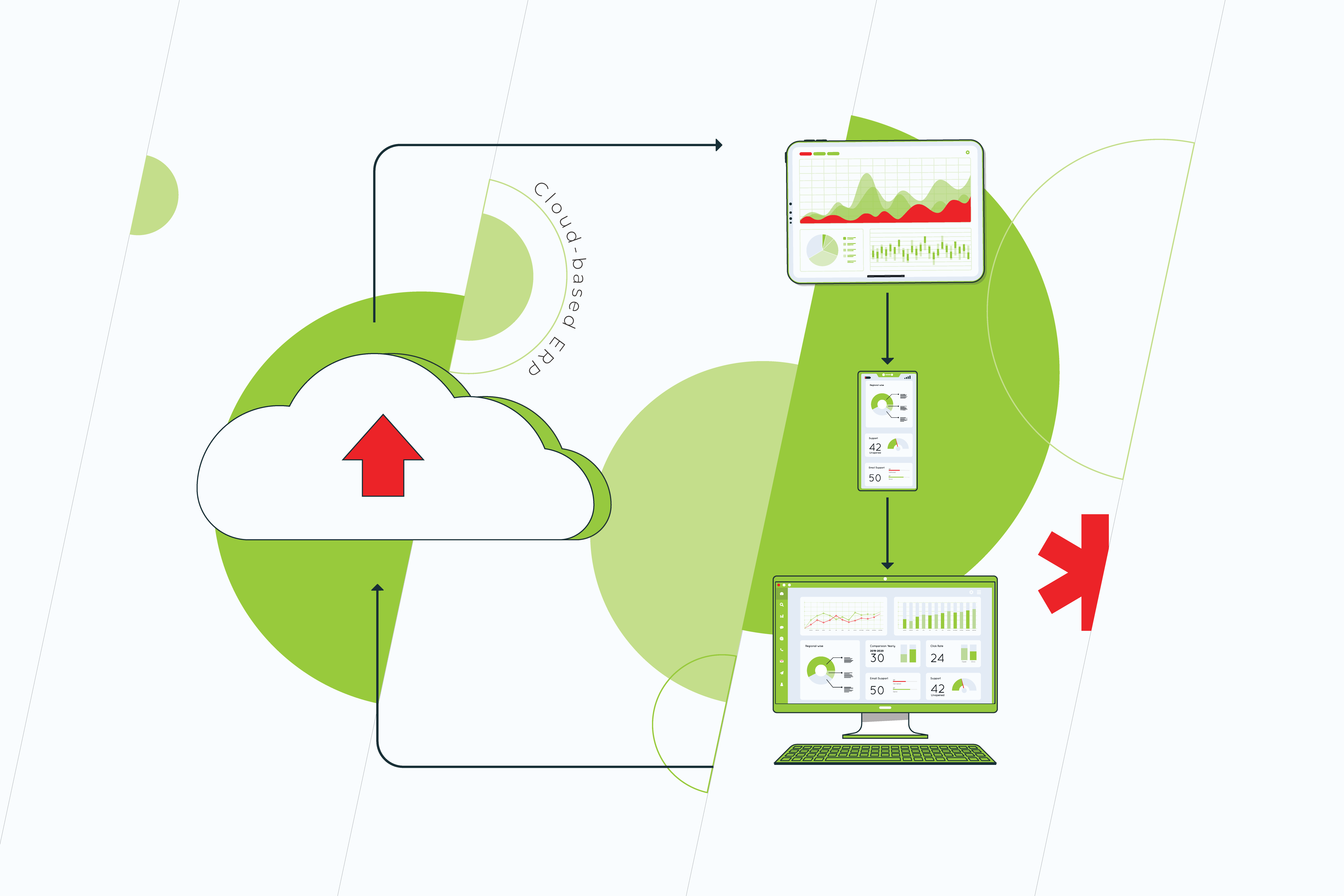
Improving the processes with cloud-based ERP

For sure, ERP (Enterprise Resource Planning) is an indispensable solution if you want to automate your organization’s workflow. Although an ERP system can be deployed and accessed either on-premises or in the cloud, the benefits of the former over the latter are noteworthy.

  • Dealing with on-premises ERP systems is more costly and time-consuming than with ones which are already set up on the cloud.
  • Cloud-based ERP software is updated automatically with the latest updates and security patches
  • When using a cloud ERP system, you don’t have to worry about integration with your other systems. It’s your service provider, who delivers consistent experience to users by making sure that the integration process is done well.
  • With an on-premises ERP system, employees will need extensive training and technical support, while with cloud-based solutions none of these will be relevant. Your service provider will take over the responsibility for managing and fixing technical aspects.

Optimizing the supply chain

For all the parties involved in the creation and sale of the product to work effectively toward the same goal, integration into a single system is a must. Today, when most supply chains are global, sharing data with all the stakeholders can become a real bottleneck. Fortunately, the lack of connectivity between separate organizations that make up a supply chain can be overcome by technology. With cloud-based software, employees are able to seamlessly exchange information throughout a product’s life cycle. Vital information doesn’t get lost as it moves between teams, departments, and job locations, since it’s centralized, integrated with different platforms, and can be easily accessed by all the stakeholders. 

It’s no exaggeration to say that moving to the cloud is the first step for creating the factory of the future. Because of cloud computing, other tools – such as Artificial Intelligence, automation – are becoming available for the manufacturing sector. Thus, no matter how tempting it might be to stay in your shell and resist the changes just ‘a little bit’ longer, please, keep in mind that the world has changed, and so should your business.

Cloud migration checklist

Are you ready for the cloud? But is your business?

Migration to cloud computing is not as simple as it may seem. The absence of a proper preparation stage opens up security holes in your infrastructure, or leads to unnecessary spendings and losing track of important data. However, a danger foreseen is half avoided: knowing what to expect and pay attention to, will keep you out of trouble on the way to cloud adoption.

Here’s the checklist of steps you need to follow to ensure this process will go smoothly.

  • Define strategic inputs

Cloud adoption is a huge leap to take. The best questions you can ask yourself before delving into the process are why you need it, what results to expect, and how to measure success. Clear motivations and defined business outcomes will help you set the metrics behind each question and figure out how to move forward realizing those metrics.

  • Choose the provider

There are plenty of cloud services on the market, but the trick is to choose the one which is right for you. Each provider has its own advantages and drawbacks. Some offer vast scalability, others – more personalized management options. It’s better not to go after popularity but focus on what makes sense for your business, like the provider’s database size or its actual costs.

  • Assess your system’s architecture 

Is it designed to scale flexibly, with separate components, or is it monolithic? Will it need refactoring prior to the migration? Refactoring presupposes restructuring and optimizing the existing code without altering its external behavior. It allows for solving technology problems and improving the component’s features and structure.

If the application is set to retire soon, the lift-and-shift approach (also known as rehosting) is going to work out best. But if the application is an investment for the business, take the extra time to optimize it.

  • Make a plan

Planning is crucial. The plan should reflect your migration process in a step-by-step manner. Even if you don’t stick to it in the long run (you may not need to), it’ll at least give you the initial direction to move towards.

  • Define what data should move onto the cloud and what to move first

Starting the cloud migration process with the easiest and less important applications is the most rational decision. If some unexpected problems pop up at an early stage – when the stakes are quite low – you’ll feel more confident in dealing with them.

Moreover, it’s high time to decide what exactly you need the cloud for. To build new powerful applications and solutions? Then you won’t need to migrate your  legacy business data over. And, vice versa , businesses that want to use the cloud for data storage must consider which bits of data should remain on-premise and which should be only in the cloud.

  • Re-evaluate security procedures and strategies

Migrating to cloud computing, you’ll have to put up with having less control over security and dealing with threats and breaches in a different way. So, to protect your data, you need to reassess your security procedures and strategies.

  • Compliance

If some or all of your company’s data undergoes particular regulations, you certainly need to make sure that you’ll maintain compliance as you move into the cloud. It’s still on your company to check if the vendor you choose can comply with the regulations you need to follow. Moreover, it doesn’t hurt to ask potential providers whether they can or cannot help you maintain compliance with a specific decree.

  •  The staff’s skills readiness

 Figure out how many people are assigned to perform the required tasks and how well their skills are aligned to cloud adoption efforts. If need be, schedule training sessions for future use and ongoing improvement.

  • Facilitate organizational communication and knowledge sharing 

Everyone needs to be in sync — application architects, developers, admins, and business leadership. Centralize runbook documentation and other relevant knowledge for the project in a wiki or other repository.

  • Start operating in the cloud

Moving to a cloud is just the beginning. What you need is to have plans for updating your code and measuring the performance.

  • Making things work

Any sort of IT migration is a complex and risky process. Taking all the steps from this checklist on your own doesn’t guarantee that you won’t stumble on some unforeseeable problems. Meanwhile, a lot of them don’t arise out of nowhere and can be predicted by experienced vendors. So if you think that you can do it cheaper all by yourself, think again, as in the long run you desire to save money may cost you a fortune.

Cloud migration is a perfect way to get fast and great-quality service for cheaper…on condition that you do it correctly. A dedicated and experienced team will definitely be of much help.

The subtle art of moving to the Cloud: 11 things to consider

Migration to the cloud is like moving to a new house: backbreaking, time-consuming, but pretty satisfying in the end. You pack your life into boxes, deliver them to the new place, and, eventually, after everything is arranged, breathe out a sigh of relief. 

The same goes with cloud computing – you can’t just get there. There’s a lot to think about and get ready for.

1. Proper inventory.

Migration projects start with figuring out what’s in place, if those items are needed and how they will work on the new platform. This preparation stage is always about deciding what is useful enough to keep and what doesn’t make sense to store.

It’s actually pretty simple: if the costs of making your legacy app “cloud-ready” are less than maintaining it on-premises than it’s worth it. To determine if the migration is justified from a cost standpoint, you need to take into consideration the costs of converting, implementing, and integrating the cloud-based app with your existing architecture. 

3. Security.

All the modern IT systems today are invariably connected to the Internet, which makes them vulnerable to hack attacks. The fact that cloud computing is a distributed network also makes it easier for companies to quickly recover from such attacks. What you need to do to minimize, the problem is to examine your cloud provider’s security measures and risk mitigation capabilities. 

4. Migration approaches.

While considering moving to the cloud it’s important to understand not only why but also how to get there. You can choose one of the approaches within the migration strategy which suits your business needs best. There are three of them to consider: rehosting, replatforming, and refactoring.

5. Cloud compatibility.

Another thing you need to figure out in advance is whether it’s possible to host your software on a remote server. Sometimes companies have to replace much of their existing IT infrastructures to make their legacy systems compatible with the cloud. A more cost-effective option might be to use the hybrid cloud, which is capable of addressing most of these compatibility issues.

6. Shift in responsibility.

Although it might be viewed as a totally positive feature, it’s more controversial than it sounds. When something goes wrong at the cloud’s provider’s end, the only thing you can do is to log the issue with the vendor and wait for the resolution. Your IT department becomes powerless to address many problems. It’s actually neither a good thing nor a bad one, but a new reality you should get used to in order to move your business forward. 

7. Data management.

It is another tricky issue in cloud service adoption. Which browsers does the cloud service support, and how does it handle data loss? Can the cloud provider or the user organization recover that data, and what’s the turnaround time? In what locations is customers’ data eventually stored?

8. Downtime. 

Unfortunately, you can’t get away from downtime. But what you can do, is to have applications with offline syncing. This means, if you suffer downtime you can keep working and all your updated files will sync to the cloud automatically once the issue is resolved. 

9. Scalability.

Let’s be honest, there’s little to think about: one of the main reasons for moving to the cloud is its ability to scale to one’s business requirements. The thing is that it can be done without you needing to be forward-thinking and have too many plans. With managed services, it can even be done automatically. With the proper support for scalability in your application, it’s like having a magical house that can be expanded or narrowed down to any size you need at that moment.

10. Automation.

If you want to increase productivity, think of the processes that can be automated. For example, you can schedule automatic updates across your software, so you don’t have to worry about slower operation times. Automation can save so many business hours in productivity.

11. Cloud service management.

There are two options here. You may try to manage the cloud migrations all by yourself, which often turns out to be a painstaking experience. Imagine your house needs repairing. Could you handle it on your own? And, more importantly, would you like to? It’s far more labor-intensive, takes a lot more time, and there’s a higher chance you’re going to get it wrong. Or you can seek the assistance of a vendor to bolster your project. It makes sense if you want to lift a burden of dealing with a massive infrastructure migration off your shoulders. A trusted partner can optimize and re-architect your data, providing a prescribed, personalized cloud solution.

While moving to the cloud, preparation is key. It ensures a smooth transition of your system and its capability to use all the benefits of cloud services. Once you get there, you’ll know… and you’ll breathe out in relief.


Follow us on LinkedIn to keep updated on the most recent company news, interesting case studies, and insights from our experts!

Get into the Cloud: How to adopt Cloud technologies and why do it ASAP

Whether to modernize or not, stops being a question when outdated software systems can’t keep a business afloat. That’s like evolution applied to the technological world: it’s not the strongest or the most intelligent of the species that survives, it’s the one that’s most adaptable to change.

Why move to the Cloud?

Once you admit that your software no longer meets your business needs, don’t lament and fall into despair. You’re not automatically obliged to shut down the old system and build a new one from scratch. Replacement is not the only option. It may make some sense to re-engineer or transfer the original product to new technologies. And it oftentimes does. There are different modernization strategies out there that depend on the problems you’re trying to solve.

Today we’re going to consider the most popular strategy  –  migration to the cloud.  But don’t delude yourself with the term. The migration doesn’t necessarily imply simply moving systems to the cloud. It goes hand in hand with a transformational strategy and frequently includes enhancements to let you get the full value of the benefits the cloud infrastructure can provide.

We won’t lie to you that this way is all that smooth and covered with rose petals. There are some pitfalls you may come across. But, you know what they say: forewarned is forearmed.

Benefits of cloud adoption

The benefits of cloud computing adoption are definitely worth it. They allow a business to:

  • reduce overhead expenditures on testing, integration, and maintenance
  • shorten time to release new features
  • scale the processes up and down according to needs
  • increase the flexibility of the system(s) with the help of sophisticated solutions that cloud-providers are steadily developing 

However tempting the idea to start ‘right here, right now’ may be, any decisions related to software modernization should be based on real data and thorough thoughts, rather than guesswork and sudden impulses. That’s why before starting cloud computing adoption, you need to:

  • Define the current state of your system
    It’s impossible to create a roadmap for modernization without having a clear understanding of each application of yours and its interdependencies. Only a deep insight into your applications, including its running state, processes, infrastructure, business KPI, codebase, etc. will help you to choose the right track and stay on it.
  • Set technological and business goals
    Using the information you’ll get from a detailed analysis of the current state of the system, you can think of improvements in terms of profitability, customer experience, and more. The goals you set should not come up out of nowhere but be based upon the real situation your system is in and the sourcing you can afford. You can’t just expect that everything you want will pop up with a magic wand swish.

Approaches to cloud adoption

Now, having data – not just ‘gut feelings’ – under your belt, you can choose one of the approaches within the migration strategy which suits your business needs best. There are three of them to consider:

  • Rehosting is the technique of the lowest cost and risk. While re-engineering projects can take years, rehosting is faster. It keeps the underlying business logic untouched with no negative impact on the enterprise. As a result, the system operates in exactly the same way.
    On the other hand, rehosting doesn’t generally make use of cloud-native features as some other techniques do.
  • Replatforming includes adjusting the code to a new platform while preserving the existing functionality. Minimal changes like using a managed database offering or adding auto-scaling can help return the basic profit of cloud infrastructure.
  • Refactoring presupposes restructuring and optimizing the existing code without altering its external behavior. Refactoring an application component allows for solving technical problems and improving the component’s features and structure.
    By re-coding some portion of an existing application, companies can fully exploit cloud-native features and maximize operational cost efficiency in the cloud.

The good news is that you can start with one approach, acquire some initial benefits, and then keep on modernizing your systems through other approaches to get even better results. When the primary modernization iteration is accomplished, you can estimate its out-turns by comparing your previous baseline against the current performance, user experience, and business outcome data. Thus, you’ll see the areas where further modernization can be made.

There’re a number of big, powerful players on the market which to a large extent owe their success to cloud technologies. We bet you’ve heard about Netflix or Spotify. These are the companies that have learned the lesson: it’s the one that’s the most adaptable to change who survives.


Follow us on LinkedIn to keep updated on the most recent company news, interesting case studies, and insights from our experts!

Anna Vasilevskaya
AI modified real photo
Anna Vasilevskaya
Account Executive

Get in touch

Drop us a line about your project at
[email protected] or via the contact
form below, and we will contact you soon.